Save up to $248 now!
(65) ​61009691
Wow! Gadgets Pte Ltd
9am to 6pm Weekdays | 9am to 1pm Saturdays
Promotions
BLACKVUE SINGAPORE
  • Dashcams
  • Accessories
  • Cloud
  • Shop
    • authorized-dealers
    • Online Store
  • Promotions
  • Support
    • FAQ
    • Visit Help Center
    • Download
    • Product Registration
    • Contact Us
    • Search
  • BLOG
  • More
    • Review and Win
    • Parking Mode
    • Recording Time Table
    • Dashcam Comparison Table
    • Photo gallery
  • Dashcams
  • Accessories
  • Cloud
  • Shop
    • authorized-dealers
    • Online Store
  • Promotions
  • Support
    • FAQ
    • Visit Help Center
    • Download
    • Product Registration
    • Contact Us
    • Search
  • BLOG
  • More
    • Review and Win
    • Parking Mode
    • Recording Time Table
    • Dashcam Comparison Table
    • Photo gallery
BLOG Home
Categories: Caught on BlackVue | Cellink Battery | Dashcam (Cloud) | Dashcam (WiFi) | Dashcam (Simple) | 
​
Featured | Firmware/ Software Update | Fleet Tracking | Over the Cloud | Review | Road safety tips |Tutorial |TV News |Video 
18/9/2024

2 Comments

[Tutorial] How to Insert a SIM card in Your BlackVue DR970X-2CH LTE PLUS Dashcam

 
Picture
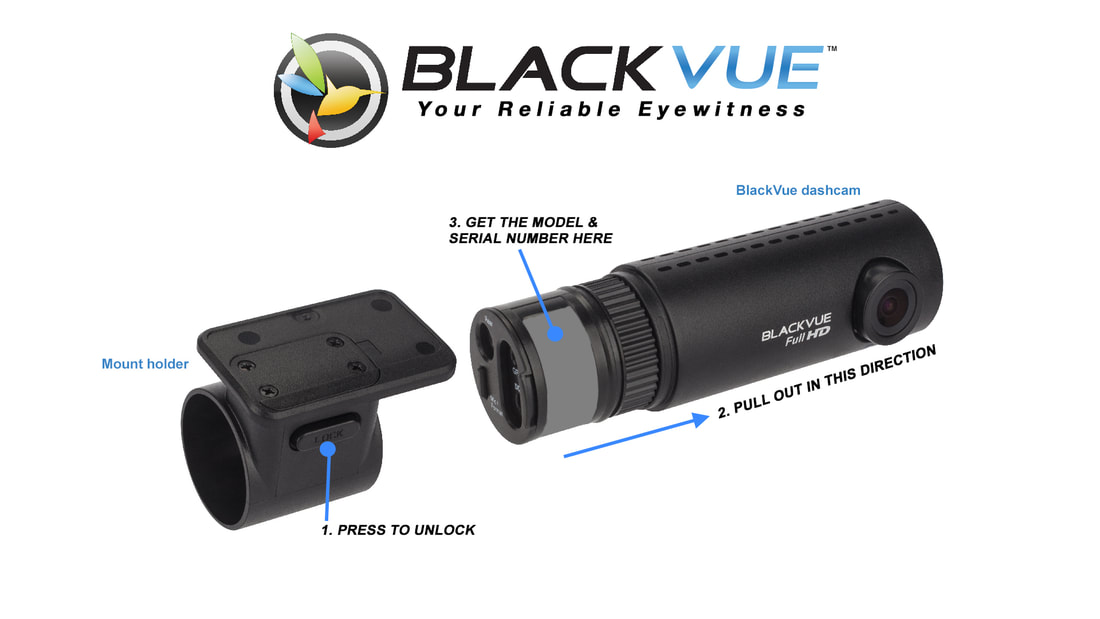
In this tutorial, we’ll walk you through the process of inserting a SIM card into your BlackVue DR970X-2CH LTE Plus dashcam.

Read More
2 Comments

16/9/2024

0 Comments

[Tutorial] How to Remove and Insert a microSD card in Your DR970X BOX PLUS Dashcam

 
Tutorial How to remove and insert microSD card to your DR970X Box Plus DR770X Box
The BlackVue DR970X Box Plus is equipped with a high-performance dashcam system, and like any dashcam, it relies on a properly functioning microSD card to record critical footage. 

Read More
0 Comments

13/9/2024

0 Comments

[Tutorial] How to Remove and Insert a microSD Card in Your BlackVue DR590X Dashcam

 
How to remove and insert microSD card in your BlackVue DR590X dashcam
Your BlackVue DR590X dashcam relies on a properly working microSD card to record important footage. In this post, we’ll show you how to easily remove and insert the microSD card, and share some tips on keeping it working smoothly. Be sure to watch the video tutorial below for a step-by-step guide!

Read More
0 Comments

7/9/2021

0 Comments

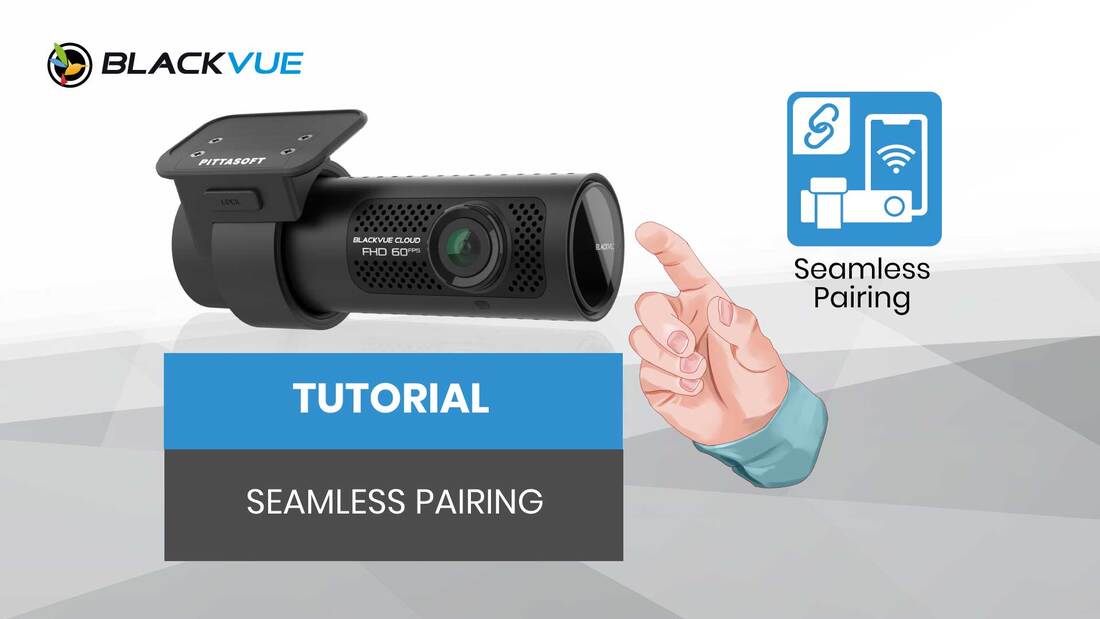
[TUTORIAL] BlackVue Seamless Pairing

 
Picture
With the recent firmware update V1.003 for DR750X Plus Series, we introduced the new Seamless Pairing for the first time. You maybe wondering what's the benefit for this feature...

Read More
0 Comments

19/6/2021

0 Comments

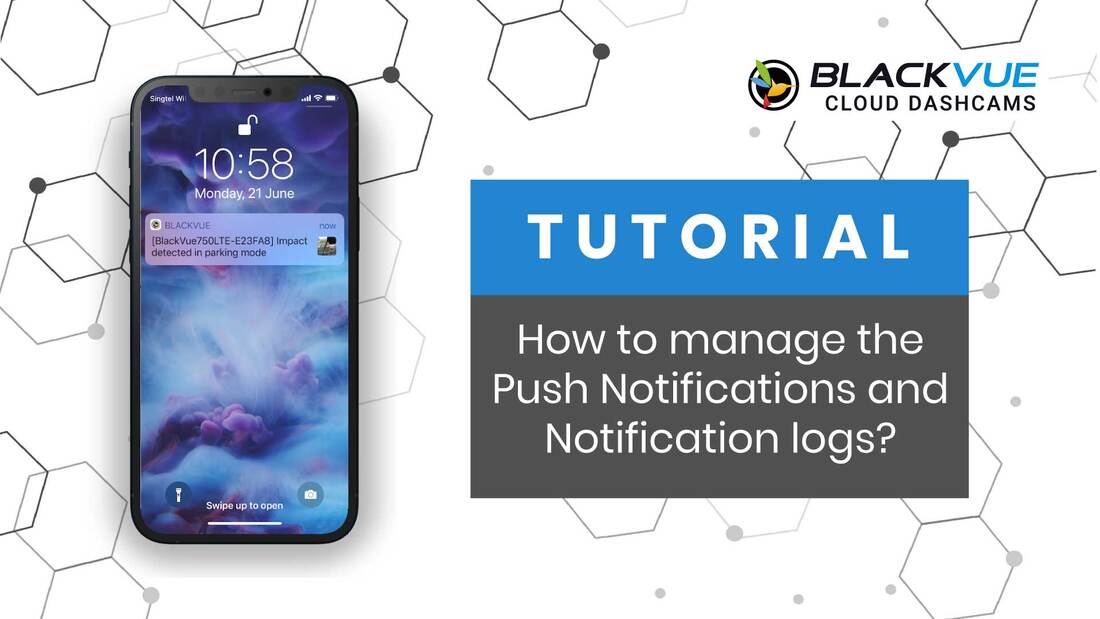
[TUTORIAL] How to manage the Push Notifications and Notification Logs for Cloud dashcams

 
Picture
With the recent major update of firmware and app, we would like to highlight the proper way to manage the Push Notification and Notification Logs for Cloud dashcams. 

Read More
0 Comments

14/9/2020

0 Comments

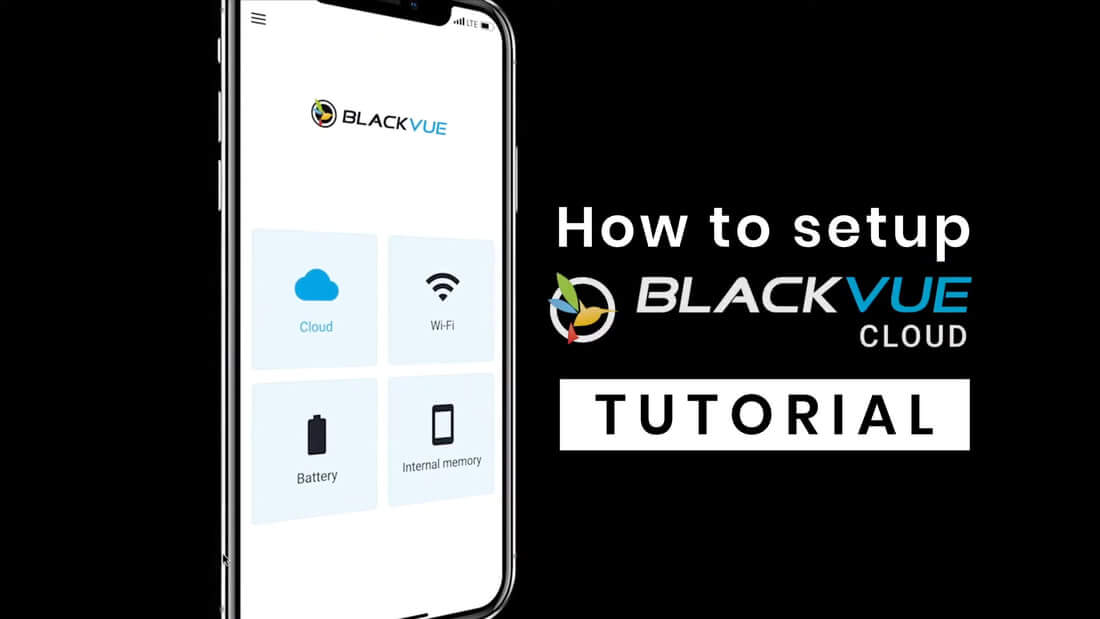
Introduction to BlackVue Cloud with Tutorial

 
Picture
If you are new to our BlackVue Cloud, this will be the right post for you. 

Read More
0 Comments

5/9/2020

0 Comments

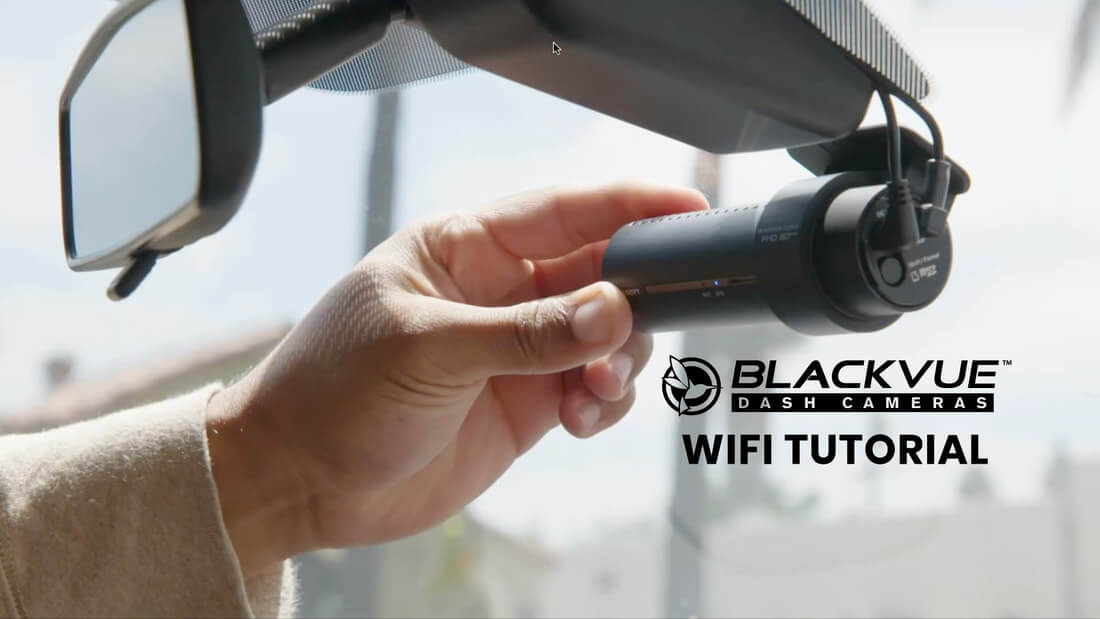
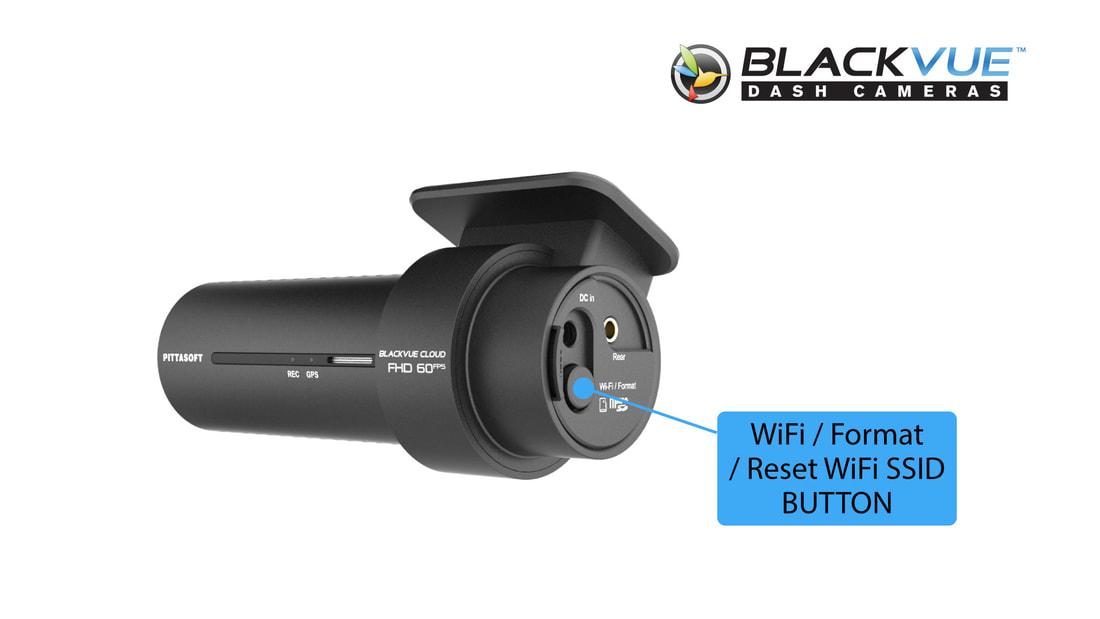
WiFi Tutorial for BlackVue Dashcam

 
Picture
If you have –or if you are interesting in purchasing– a Wi-Fi-enabled BlackVue dashcam, you might be wondering how to unlock the dashcam’s full potential. From upgrading your firmware to changing your settings, managing your video files and more, as usual, we got you covered!

Read More
0 Comments

1/8/2019

4 Comments

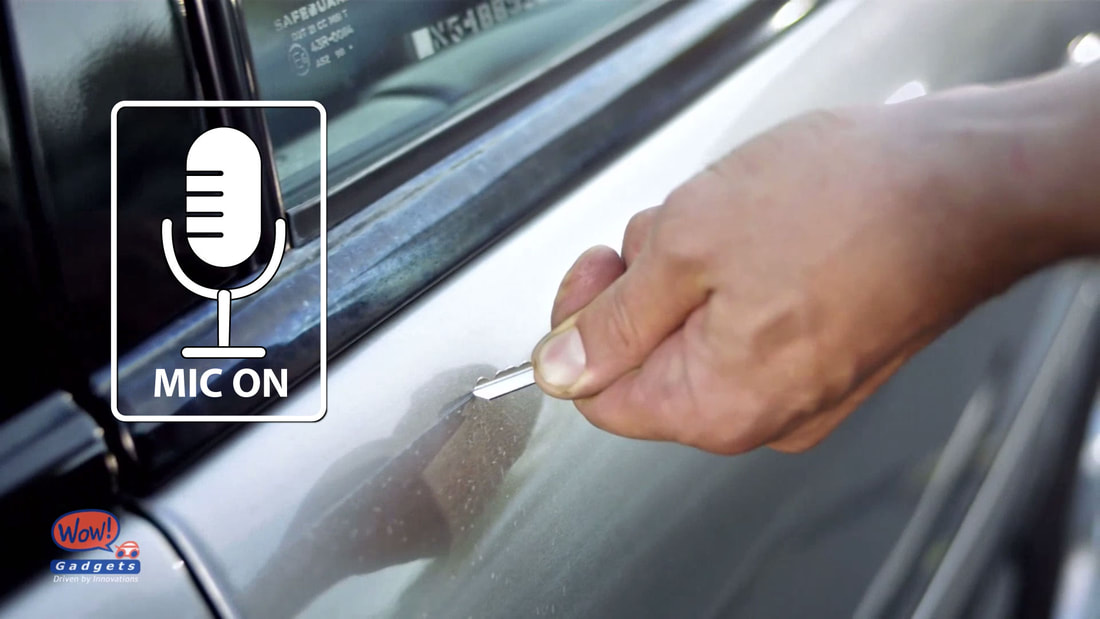
Why Voice Recording is important for dashcams?

 
Picture
Recent news reported that a Managing Director of a law firm was fined $2,500 for scratching a man's car with his key at a condominium's basement car park. 

Read More
4 Comments

12/3/2019

8 Comments

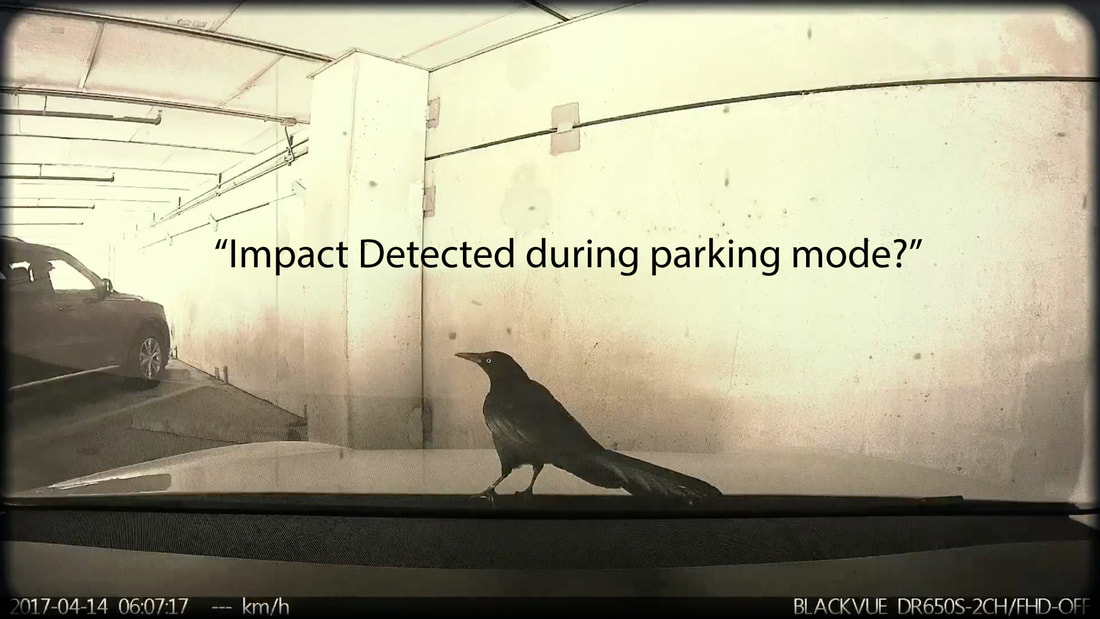
"An Impact detected during Parking Mode". What to do next?

 
Picture
It is a good habit to check on your car before driving off but all our current dashcam models has the feature of informing the users about possible impacted event while you are away or so called "parking mode".  This does not necessary to be just the push notifications to be sent from our Cloud service. 

Read More
8 Comments
Previous
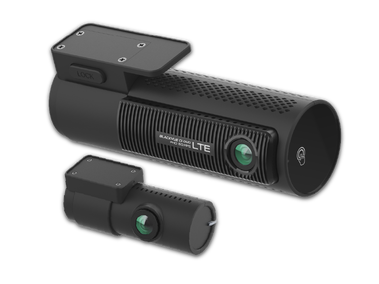
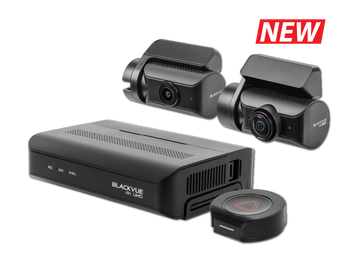
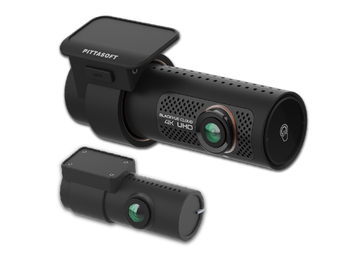
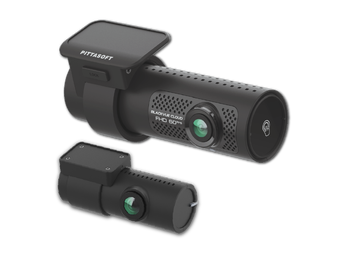
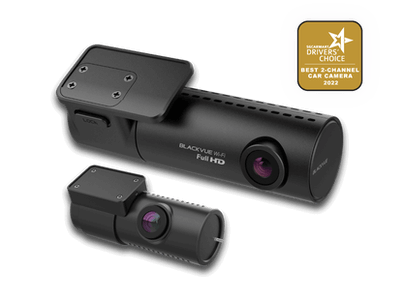
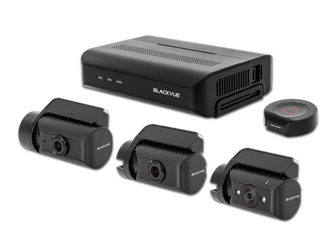
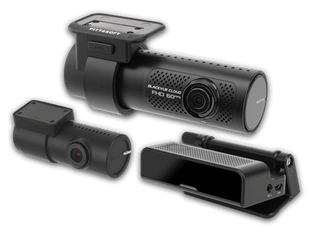
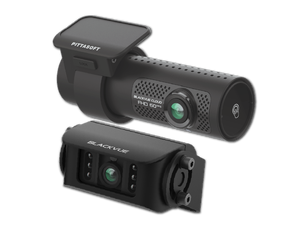
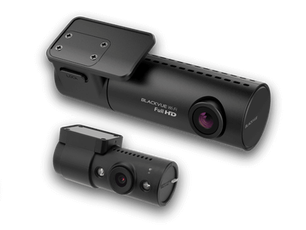
Explore the BlackVue dashcam lineup and enjoy wireless freedom with full control through intuitive BlackVue App for all models. BlackVue offers a range of dashcams with 1, 2, or 3 cameras (1-CH, 2-CH, 3-CH) in 4K UHD, 2K QHD and Full HD to suit various needs. Choose from different connectivity options:
​LTE (4G) - Cloud-Native: Comes with built-in LTE and a SIM card reader for remote Cloud connectivity out of the box.
Cloud-Compatible: Connect to the Cloud using an LTE Connectivity Module or a third-party hotspot, or use it as a premium WiFi dashcam with high-performance features.
Simple WiFi: Pair your dashcam with your smartphone within WiFi range.
Also available, Special-purpose system which comes with auxiliary camera with infra-red lightings, driver monitoring or waterproofing (for trucks).
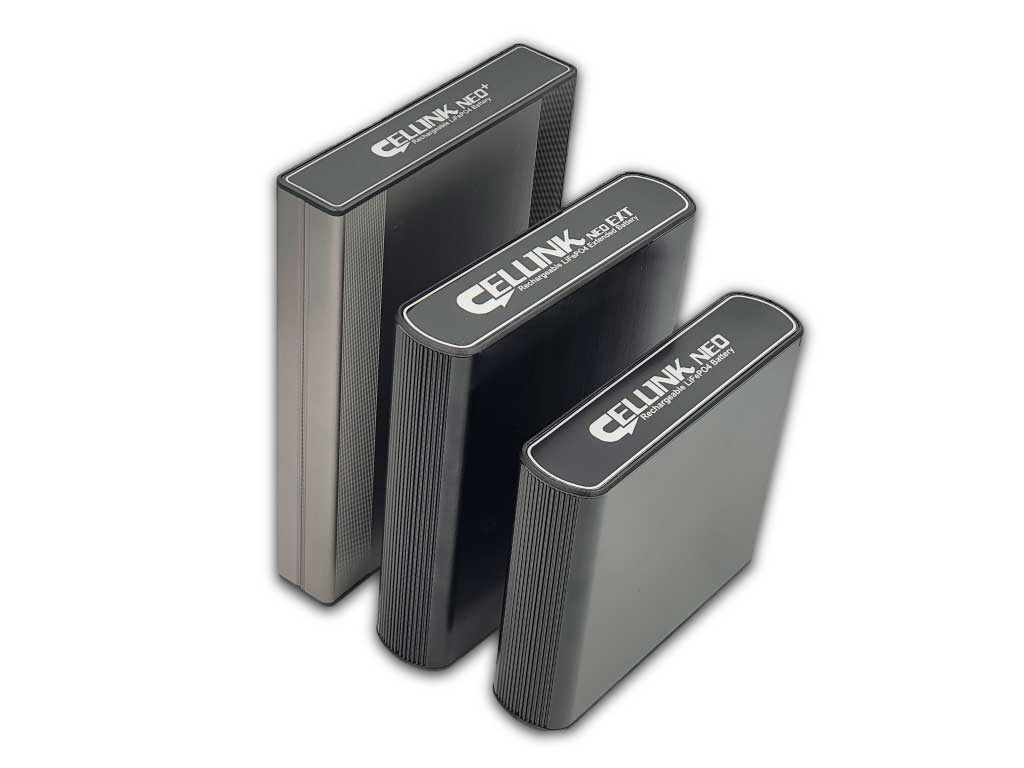
Take your BlackVue dashcam to the next level with our must-have accessories, featuring a reliable power solution for extended parking mode. Upgrade your dashcam with superior connectivity and a tamperproof case for added security. Also available: memory cards, cables, and additional accessories to give you unmatched reliability on the road.
ME AND MY CAR. CONNECTED.

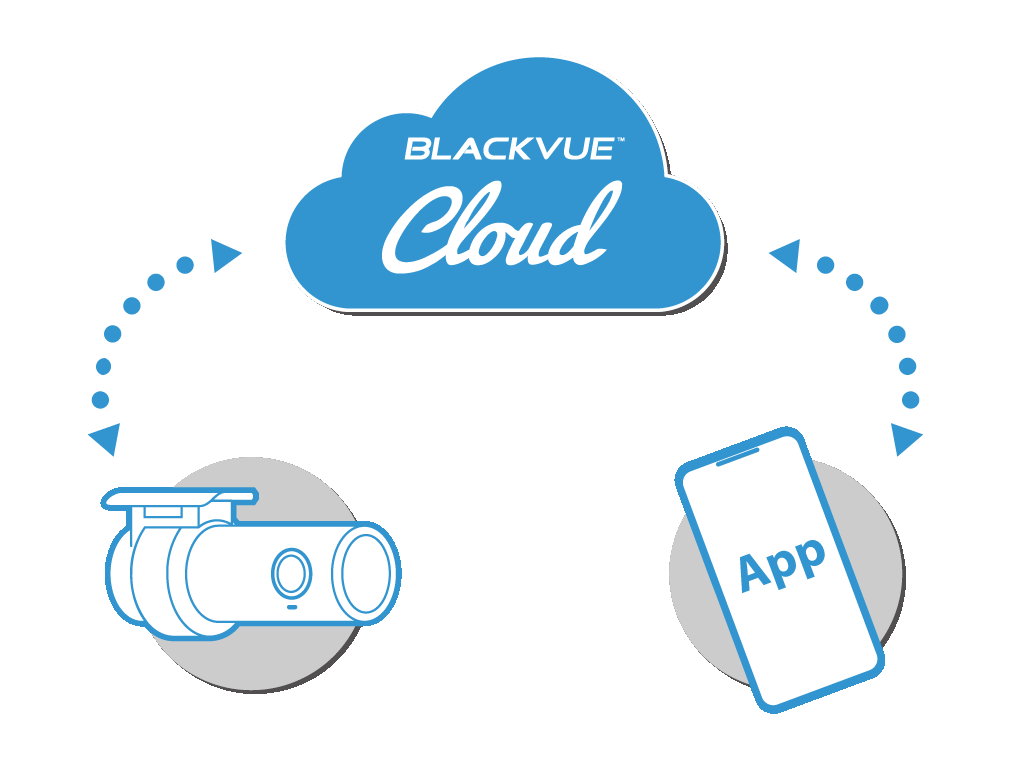
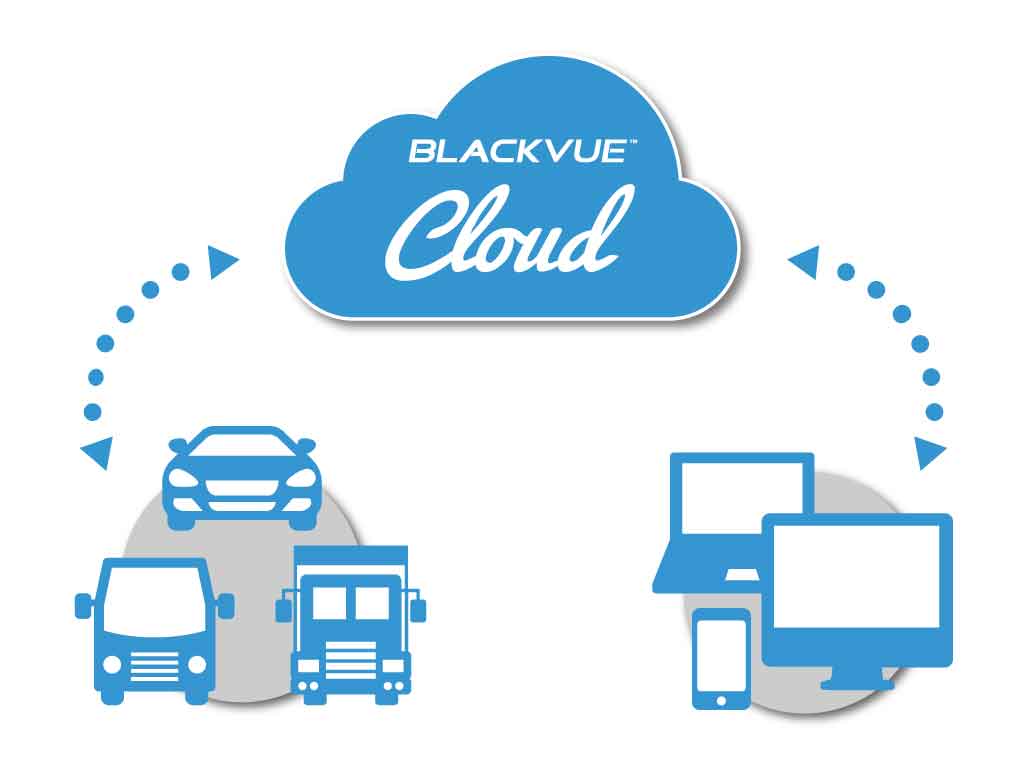
BlackVue Cloud is the industry-leading cloud service established since 2015. Push Notifications, real-time video and GPS-tracking, Event Files Upload (Cloud backup), the possibilities are endless. BlackVue Cloud is all about using your dashcam to its full potential, so that you and your car are always connected.
​Discover the features, plans and compatible cameras.
Cloud service for individuals
• For individuals or small fleet
​
To connect up to 15 dashcams
BlackVue Fleet Tracking for businesses
• For large fleet
​
To connect up to 999 dashcams
BlackVue 18-month warranty
Enjoy the best of BlackVue with after-sales service and warranty coverage. 

RETAILERS

Buy from our authorised dealers with installation option.
​

ONLINE SHOP

Buy from our official online store without installation.
Picture

Enjoy the best deals and discounts >

BlackVue Help Center

VISIT HELP CENTER

FREQUENTLY ASKED QUESTIONS

DOWNLOADS

PRODUCT REGISTRATION

CONTACT US

SEARCH

BlackVue Service Centre
8, Boon Lay Way, 
#04-02,
Singapore 609964

Weekdays | 9am to 6pm (lunch break 12:30pm to 1:30pm)
Saturdays | 9am to 1pm

​Hotline: 61009691
Technical: [email protected]
Sales/ General: [email protected]
BlackVue News Blog

ALL NEWS

PRODUCTS & CORPORATE NEWS

FIRMWARE NEWS

BlackVue Review and Win

REVIEW AND WIN

PARKING MODE

DASHCAMS COMPARISON TABLE

RECORDING TIME TABLE

PHOTO GALLERY

Home


​Dashcams

​​OVERVIEW
​
​​COMPARE SPEC
​

ELITE 8
DR970X BOX PLUS
DR970X-2CH LTE PLUS II
DR770X-2CH LTE
​DR770X II
​
DR770X-2CH TRUCK
DR770X BOX

DR590X PLUS

Accessories

​​​OVERVIEW

​Cellink NEO Batteries

Cloud Service

For Individuals
For Businesses
​

Support

Frequently Asked Questions (FAQ)
Download
​
Product Registration
Search


​Useful Links

Parking Mode
Dashcam Comparison Table
Recording Time Table
​Photo Gallery

Where to Buy?

Promotions
Authorized Dealers

​Online Store
​

Company

Blog
Contact Us

About Us

Address:
8, Boon Lay Way,
#04-02, Tradehub21
Singapore 609964

​Direction >

Follow Us

Social Media:

​Join our BlackVue SG E-Newsletter


​
​Need Help?

• Visit our Help Page
• Write to us here.
​• Call our Hotline at 61009691
Products
Where to buy?
Promotions

Authorised Dealers
Online Store
DASHCAMS
​
​​OVERVIEW
​
​​COMPARE SPEC
​

ELITE 8
DR970X BOX PLUS
DR970X-2CH LTE PLUS II
DR770X-2CH LTE
​DR770X II
​
DR770X-2CH TRUCK
DR770X BOX

DR590X PLUS
ACCESSORIES
​​​OVERVIEW

Cellink NEO Batteries

​OTHERS
App & Viewer
BlackVue Cloud
​Support
Frequently Asked Questions (FAQ)
​Download
Product Registration
Contact Us

​Useful links:
Parking Mode
Dashcam Comparison Tables
​Recording Time Table
​Photo Gallery


Need help with BlackVue product?
- Visit our Help page
- Write to us at [email protected]
​- Call our hotline at 61009691
Company
News / Blog
About Us
Contact Us


​BlackVue (Singapore),
8, Boon Lay Way,
#04-02, Tradehub 21,
​Singapore 609964
Direction >

BlackVue SG E-Newsletter
WOW! GADGETS PTE LTD © COPYRIGHT 2024. All Rights Reserved. Terms of Use.