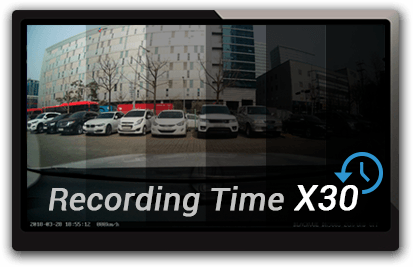
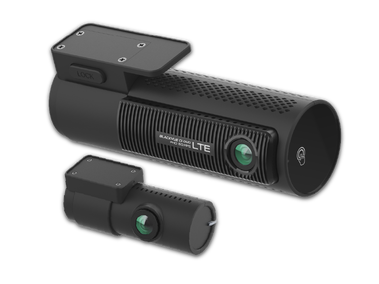
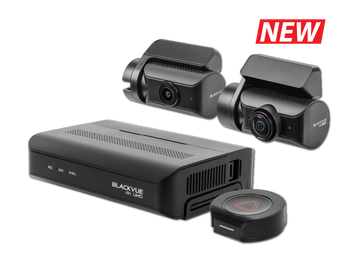
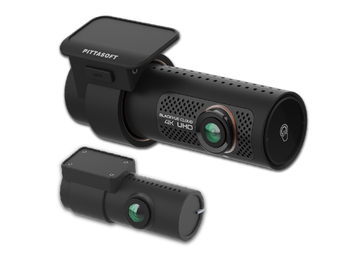
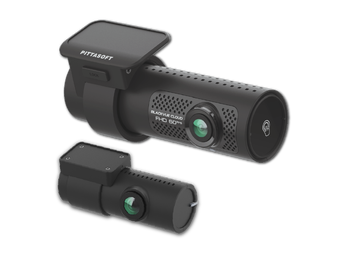
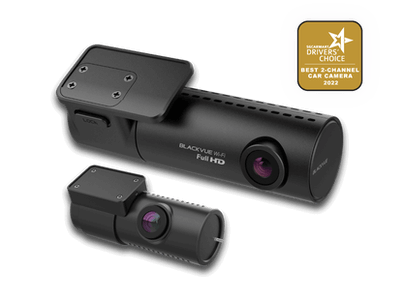
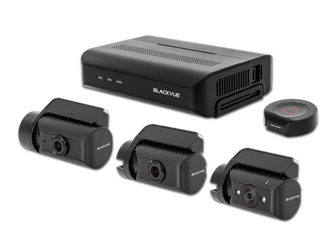
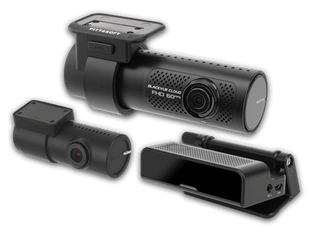
Save up to $248 now!
(65) ​61009691
Wow! Gadgets Pte Ltd
9am to 6pm Weekdays | 9am to 1pm Saturdays
Promotions
BLACKVUE SINGAPORE
  • Dashcams
  • Accessories
  • Cloud
  • Shop
    • authorized-dealers
    • Online Store
  • Promotions
  • Support
    • FAQ
    • Visit Help Center
    • Download
    • Product Registration
    • Contact Us
    • Search
  • BLOG
  • More
    • Review and Win
    • Parking Mode
    • Recording Time Table
    • Dashcam Comparison Table
    • Photo gallery
  • Dashcams
  • Accessories
  • Cloud
  • Shop
    • authorized-dealers
    • Online Store
  • Promotions
  • Support
    • FAQ
    • Visit Help Center
    • Download
    • Product Registration
    • Contact Us
    • Search
  • BLOG
  • More
    • Review and Win
    • Parking Mode
    • Recording Time Table
    • Dashcam Comparison Table
    • Photo gallery
Shape Divider - Style tilt

FULL HD CLOUD DASHCAMS

DR770X-2CH TRUCK

No. 1 dashcam for heavy vehicles
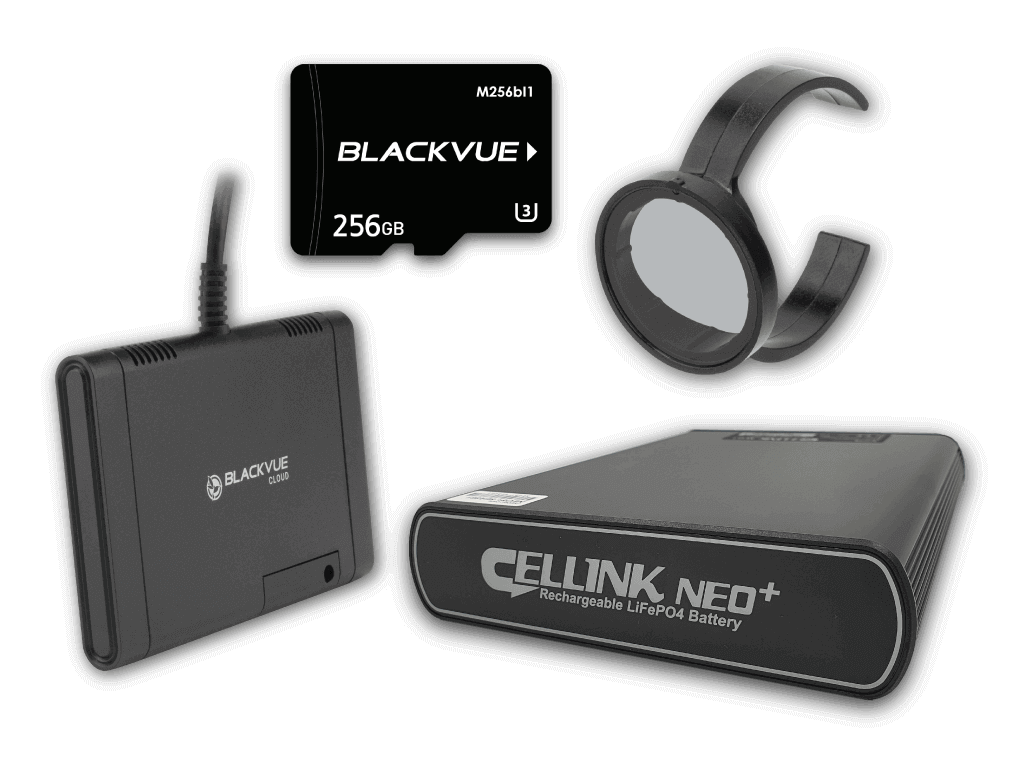
Picture

ACCESSORIES

Picture

CLOUD SERVICES

​
​
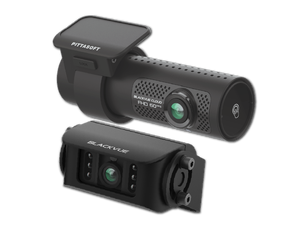
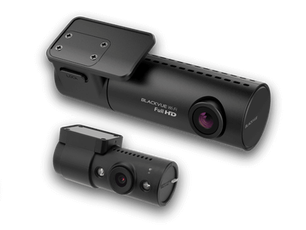
​The DR770X-2CH TRUCK is ideal to secure most large commercial trucks. The waterproof infrared rear camera connects to the front unit via a 15m (49ft) video cable, with option for 20m (65ft). This allows to monitor not only the road behind, but also cargo loading and unloading operations. ​
​Now with 64GB microSD included!
​
Buy Now
Shape Divider - Style clouds
DR770X-2CH Truck features

New CPU with Image Signal Processing Tuning

In simple terms: the image looks better, especially at night and in high-contrast scenes where most cameras struggle to preserve detail in highlights and dark areas.
Watch the image quality improvement comparing DR750X Plus and DR770X.
(DR770X is the successor to DR750X Plus.)
Visit Blog

Full HD Cloud Dashcams

Column align: middle
BlackVue TRUCK
Dual-Channel Dashcams to Secure Trucks and Heavy Vehicles
The BlackVue TRUCK Plus models are ideal to secure most large commercial trucks. The waterproof infrared rear camera connects to the front unit via a 15m (49ft) video cable. This allows to monitor not only the road behind, but also cargo loading and unloading operations.
​Let your BlackVue protect your assets with its native Parking Mode support (hardwiring cable included).
With the free BlackVue Cloud service, check on your vehicle from anywhere, anytime.

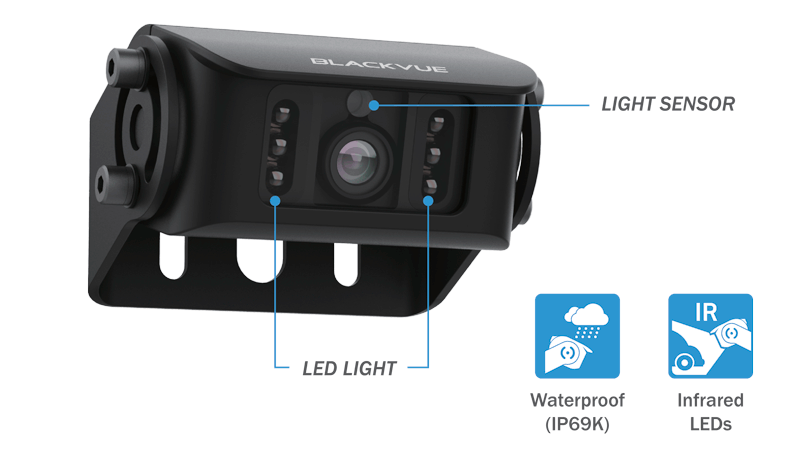
Infrared External Rear Camera

IP69K external camera
Column align: middle
With Rugged Metal Waterproof Casing
With its metal waterproof casing the rear camera of the DR770X-2CH TRUCK is built to withstand most weather conditions.
It is designed to be installed at the rear of truck or heavy vehicles.
We recommend to secure it in place on a flat surface using the provided screws.
The luminosity sensor detects ambient brightness, activating automatically the six IR lights to help identify vehicles and objects even in the dark.
  • DR770X-2CH TRUCK

  • App and Viewer

  • 3

  • 4

  • 5

  • 6

  • 7

  • 8

  • 9

  • 10

  • 11

  • 12

  • 13

  • 14

  • 15

  • 16

  • 17

  • 18

  • 19

  • 20

  • 21

  • 22

  • 23

  • 24

  • 25

  • 26

  • 27

  • 28

  • 29

  • 30

  • • Technical Spec
    Model Name
    DR770X-2CH TRUCK
    Type
    2 Channels (front and rear camera)
    Highlights
    Full HD (Front + External Waterproof IR Cam), Cloud, Wi-Fi, GPS, Dual Sony Sensors, External LTE Module (Optional)
    Product Dimensions
    Front: Black / Width 118.5mm x Height 36mm / 104g
    Rear: Black / Width 65mm x Height 36mm / 157g
    Rear Camera Connection
    Waterproof coaxial cable
    Memory support
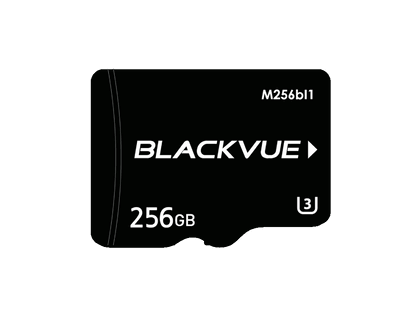
    MicroSD card up to 256GB
    Recording Mode
    • Normal recording,
    • Event recording (when impact is detected in normal and parking mode),
    • Manual recording
    • Parking recording (when motion is detected).

    * When using Hardwiring Power Cable, ACC+ will trigger parking mode. When using other methods, G-sensor will trigger parking mode.
    Parking Mode
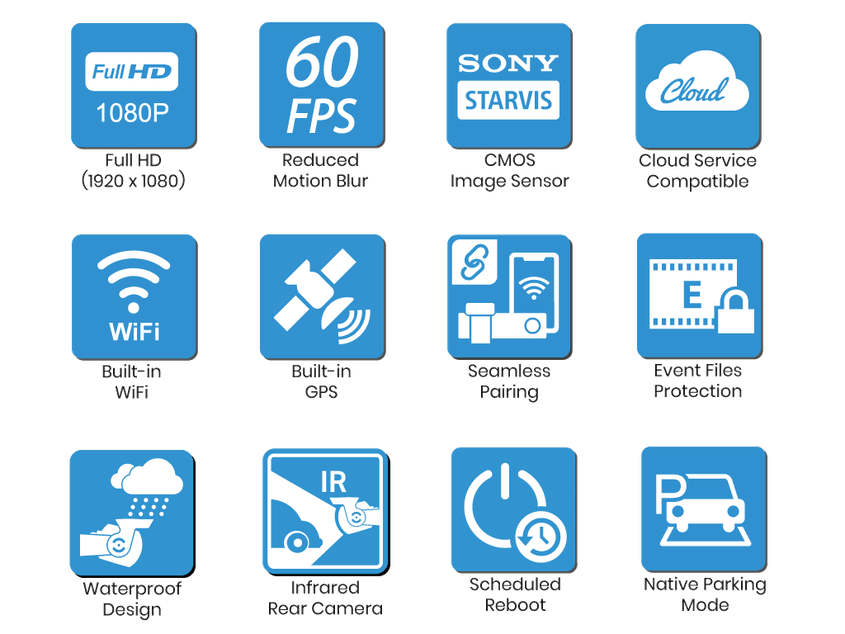
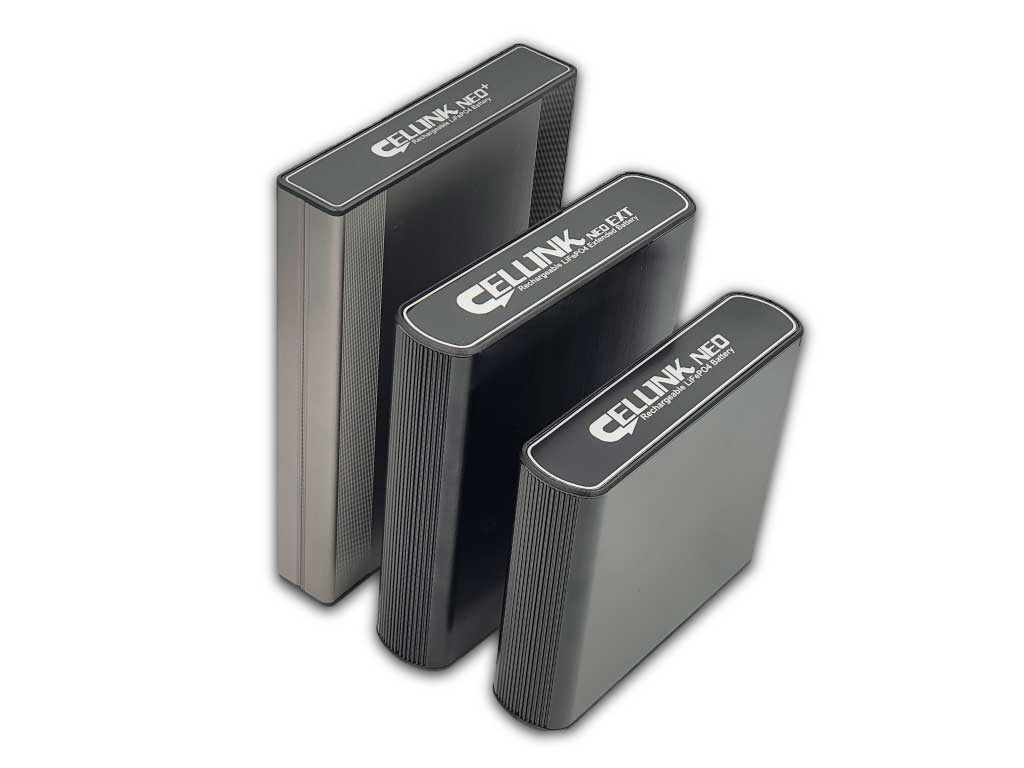
    Yes (with 3-wire hardwiring cable included) using power from car battery or optional Cellink Battery is fully recommended. 
    Parking Mode Event Voice Notifications
    Yes
    Imaging Sensor
    Front: Sony STARVIS™ CMOS Sensor (Approx. 2.1MP)
    Rear: Sony STARVIS™ CMOS Sensor (Approx. 2.1MP)
    Viewing Angle
    Front: Diagonal 139°, Horizontal 116°, Vertical 61°
    Rear: Diagonal 116°, Horizontal 97°, Vertical 51°
    Resolution Frame Rate
    Front: Full HD @60fps
    Rear: Full HD @30fps

    * Frame rate may vary during Wi-Fi streaming.
    Video Codec
    H.264 (AVC)
    Image Quality and Bitrate Front/Rear
    Highest (Extreme): 25+10 Mbps
    Highest:                 12+10 Mbps
    High:                      10+8 Mbps
    Normal:                   8+6 Mbps
    Format Free
    Yes (Adaptive)
    Event File Overwrite Protection
    Yes (up to 50)
    SD Card Failure Alert
    Yes 
    Scheduled Reboot
    Yes
    Video File Extension
    MP4
    WiFi
    Built-in (802.11 b.g.n)
    Cloud Compatible
    Yes
    GPS
    Built-in (Dual Band: GPS, GLONASS)
    Microphone
    Buit-in
    Speaker
    Built-in 
    Impact Sensor
    3-Axis Acceleration Sensor
    LED Indicators
    Front: Recording LED, GPS/BT LED, LTE/Wi-Fi LED, Front Security LED, Proximity Sensing indicator LED
    Rear: Rear Security LED
    Button
    Format Button: Press and hold format button for 5 seconds, and after a beep, release the button. Then, press again and hold for 5 seconds and release the button after a beep to format the microSD card.
    Touch Sensor: Pressing the touch sensor triggers manual recording depending on the firmware settings.
    Operation Temperature
    -20℃ – 80℃
    Storage Temperature
    -20℃ – 80℃
    High Temp Cut Off
    Approx. 80℃
    Backup Battery
    Built-in supercapacitor
    Input Power
    DC 12V – 24V
    Power Consumption Hour
    4.5W (Normal Mode)
    3.6 W (Parking Mode)
    * Approx. 60mA increase in current when IR LEDs are ON.
    * Actual power consumption may vary depending on use conditions and environment.
    Certifications
    Front: FCC, ISED, CE, UKCA, RCM, RoHS, Telec, WEEE, KC
    Rear: FCC, ISED, CE, UKCA, RCM, RoHS, WEEE, KC
    Software
    BlackVue Viewer:
    * Windows 7 or higher, Mac Sierra OS X (10.12) or higher
    BlackVue Web Viewer:
    * Chrome 71 or higher, Safari 13.0 or higher
    Application
    BlackVue Application (Android 4.4.2 or higher, iOS 9.0 or higher)
    Bluetooth 
    Built-in (V2.1+EDR/4.2)
    LTE
    External using Connectivity Module CM100G-LTE (optional)
    • Recording Time
    Memory card capacity
    Full HD (60fps) + Full HD (30fps) | Extreme
    32GB
    1hr 50 min
    64GB (default)
    3hr 40 min
    128GB
    7hr 20 min
    256GB
    14hr 40 min
    Check out more about recording hours with different settings here.
    • What's included
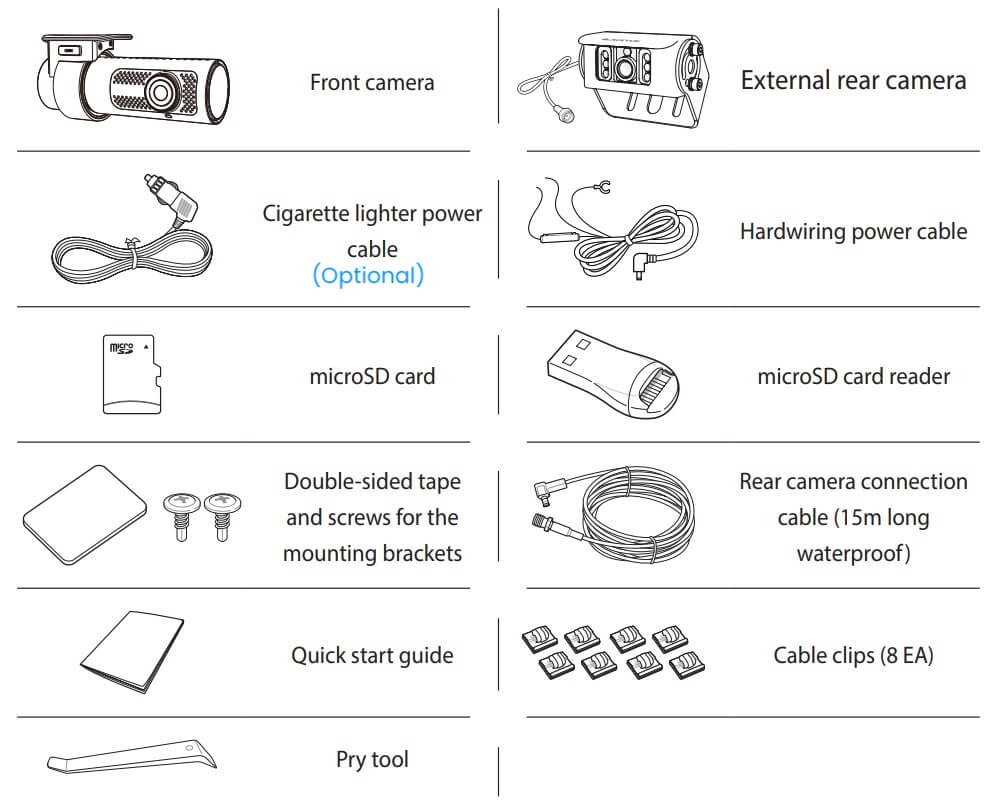
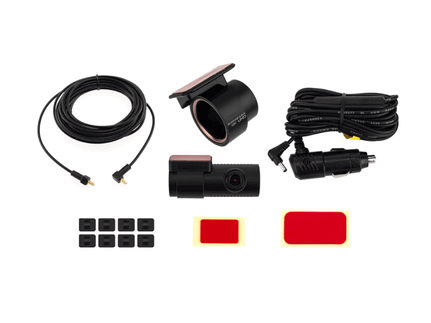
    DR770X-2CH Truck packing content
    Column align: middle
    • ​Front Camera
    • Exterior IR Camera
    • Quick start guide
    • Cable clips (8EA)
    • microSD card
    • microSD card reader
    • Spare mount sticky pads
    • Screws
    • Coaxial Cable (15m)
    • Hardwiring power cable
    • Cigarette lighter power adapter (Optional)
    • Pry tool
  • • BlackVue App

    Picture
    BlackVue app
    Picture
    Picture

    • BlackVue PC Viewer

    Picture
    Picture

VIDEOS

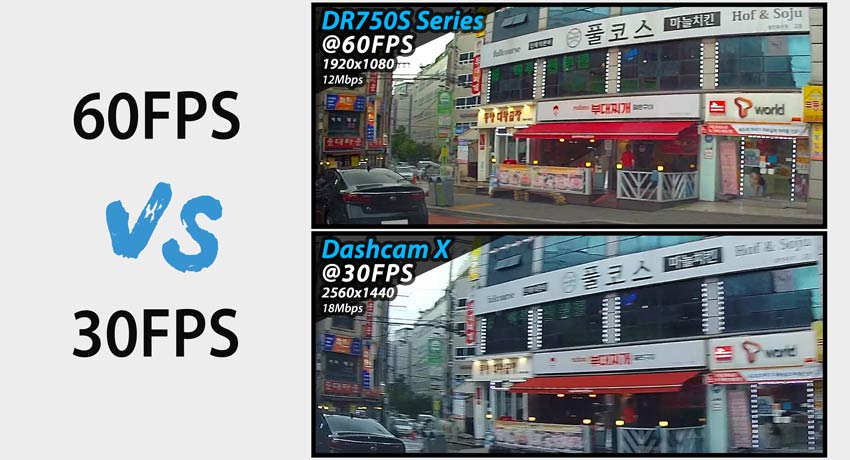
High Frame Rate for Extra Fluidity

DR770X Truck reduced motion blur
Column align: middle
THE ADVANTAGE OF 60FPS VIDEO CAPTURE
​

The front-facing camera records extra fluid videos at 60 frames per second, keeping all details sharp even in fast action. With 60fps, motion blur is much reduced compared to 30fps. That means your BlackVue can better capture details–like license plates–even in fast-moving objects.
​
Note 1: the higher the image quality setting, the higher the bitrate and the bigger the file size. A bigger size will increase the time necessary to transfer a video file over Wi-Fi.
Note 2: Remote Live View using BlackVue Over the Cloud is not affected by the image quality and framerate settings.

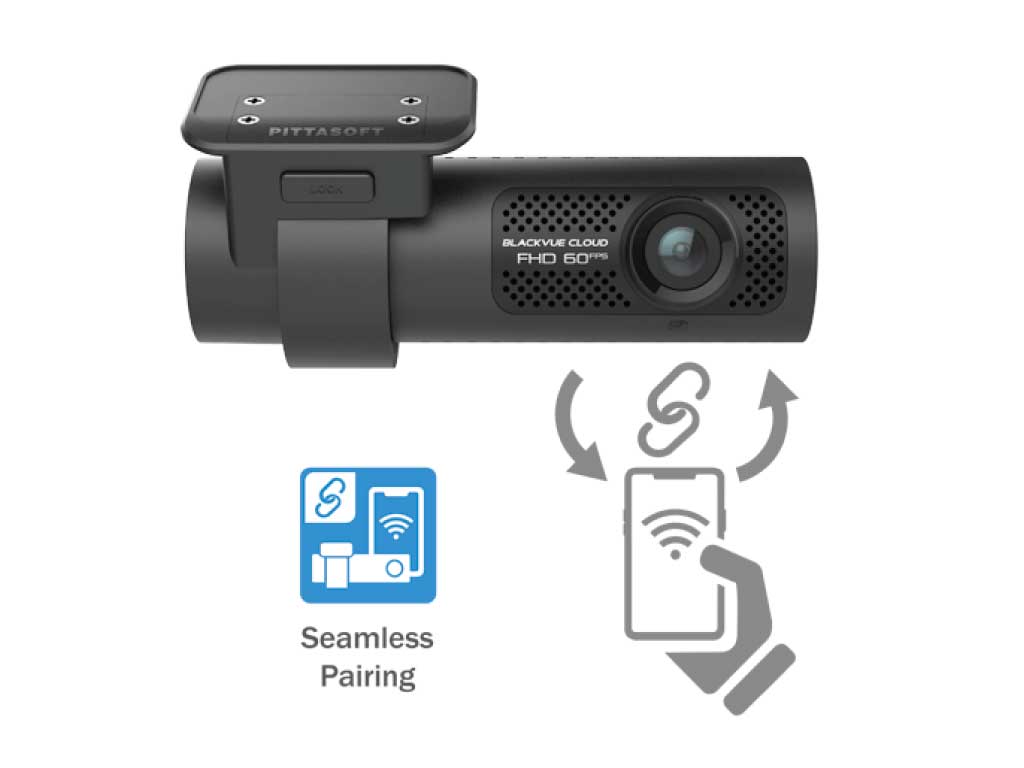
Seamless Pairing

BlackVue Seamless Pairing
Column align: middle
Effortless setup
​
Simply connect to your dashcam without leaving the BlackVue App. With Seamless Pairing, setting up your dashcam is a breeze. Just power the dashcam, then easily connect from the BlackVue app and follow the simple instructions.
Whether you want to browse your dashcam’s files and settings or connect your dashcam to the Cloud, Seamless Pairing makes everything easy and intuitive.
Watch Video >
Close

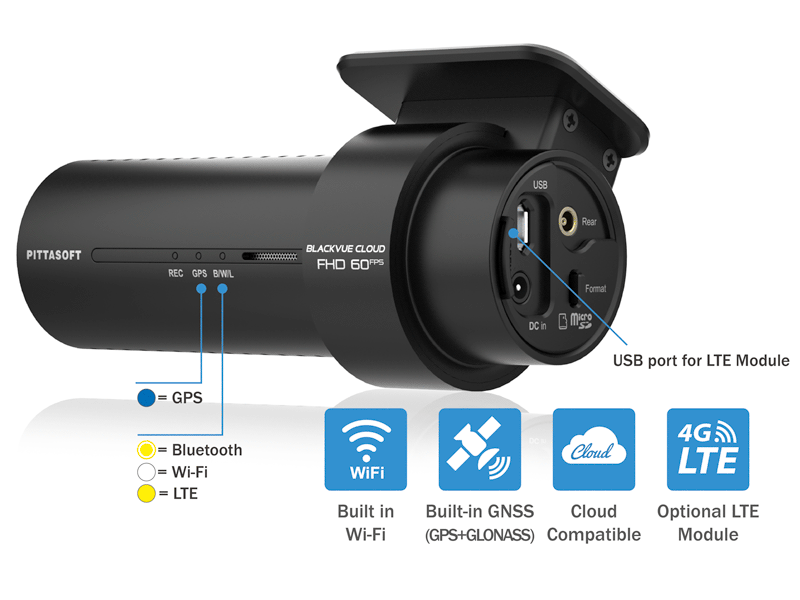
GPS, WIFI and Optional LTE

BlackVue DR770X connectivity
Column align: middle
GPS: visualize the location of your vehicle on the map during video playback and overlay speed on videos (can be hidden in settings).
Wi-Fi: lets you connect to your BlackVue with a smartphone or tablet. Wi-Fi also lets your BlackVue connect to BlackVue Cloud via any home or mobile Wi-Fi hotspot (router).
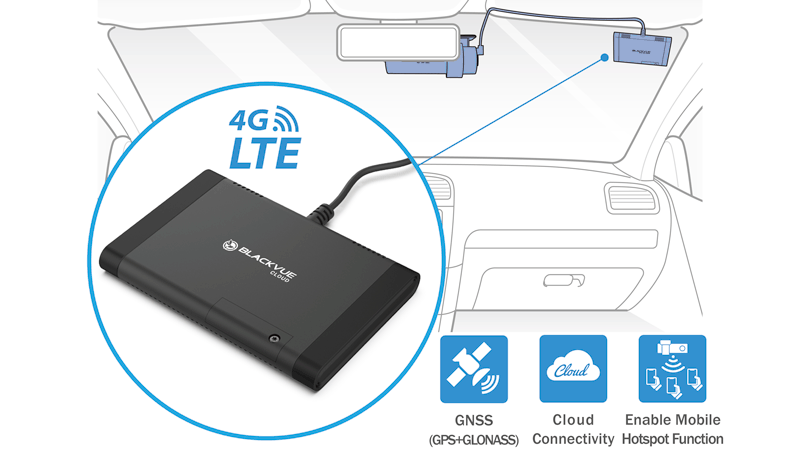
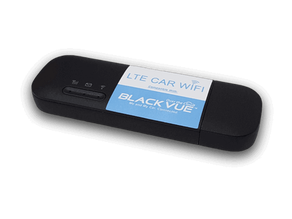
​LTE: connect the optional LTE connectivity module* via the USB port for the best Cloud experience.
(*) SIM card not included.
Anchor Element
Copy for linking on the same page:
https://www.blackvue.com.sg/dr750s-2ch?data-scroll-to-anchor=BlackVueCloud
Copy for linking from an external page:
https://www.blackvue.com.sg/dr750s-2ch?data-anchor-link=BlackVueCloud

BlackVue Cloud

Picture

ACCESSORIES

Picture

CLOUD SERVICES


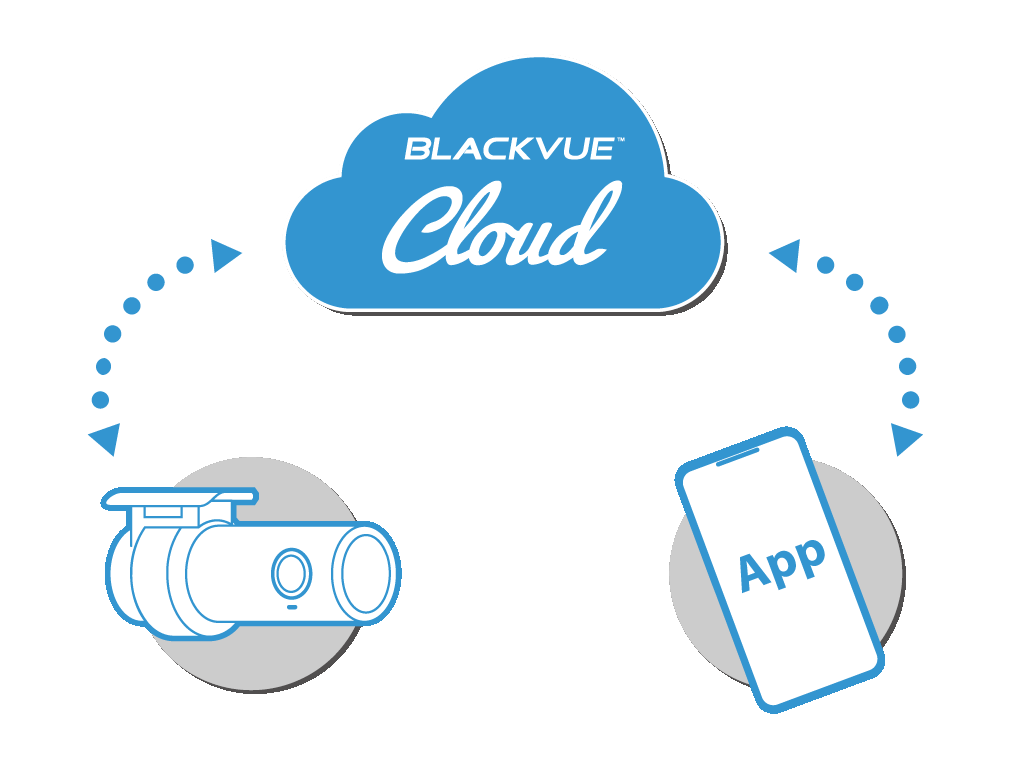
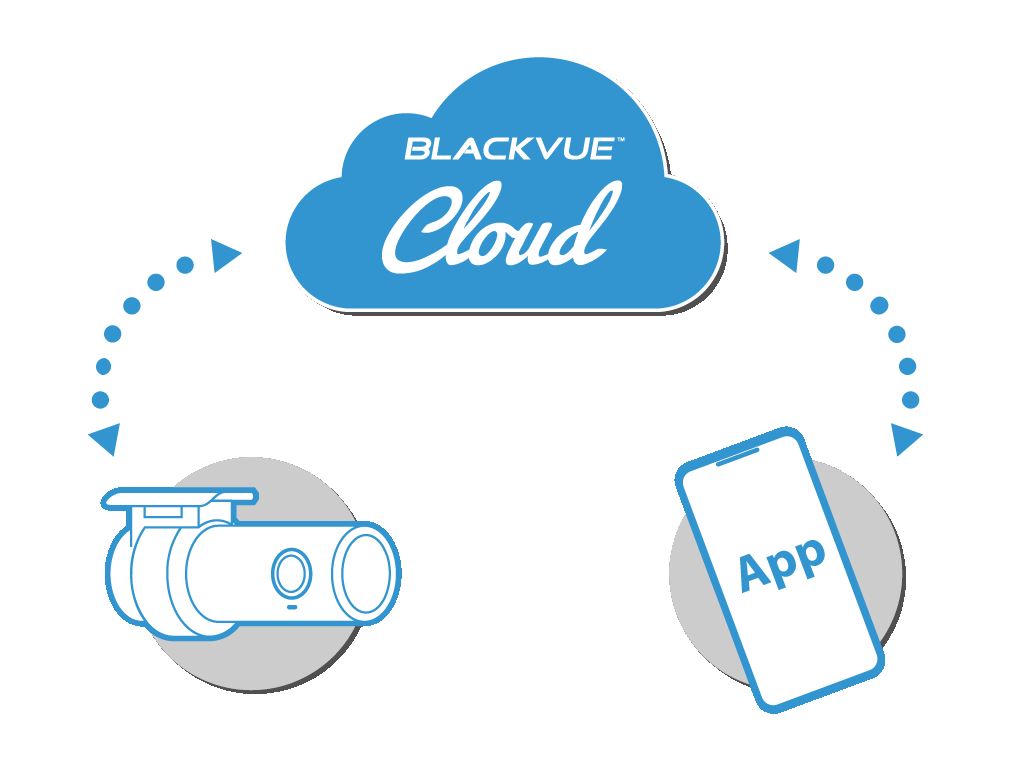
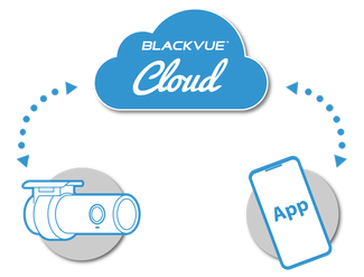
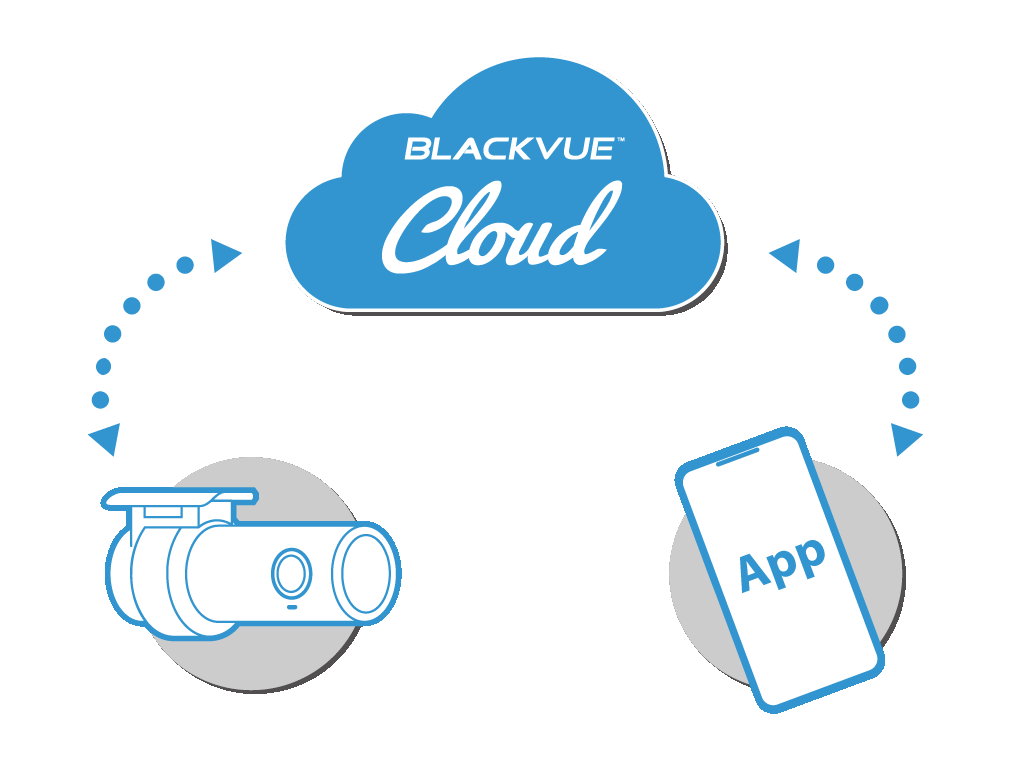
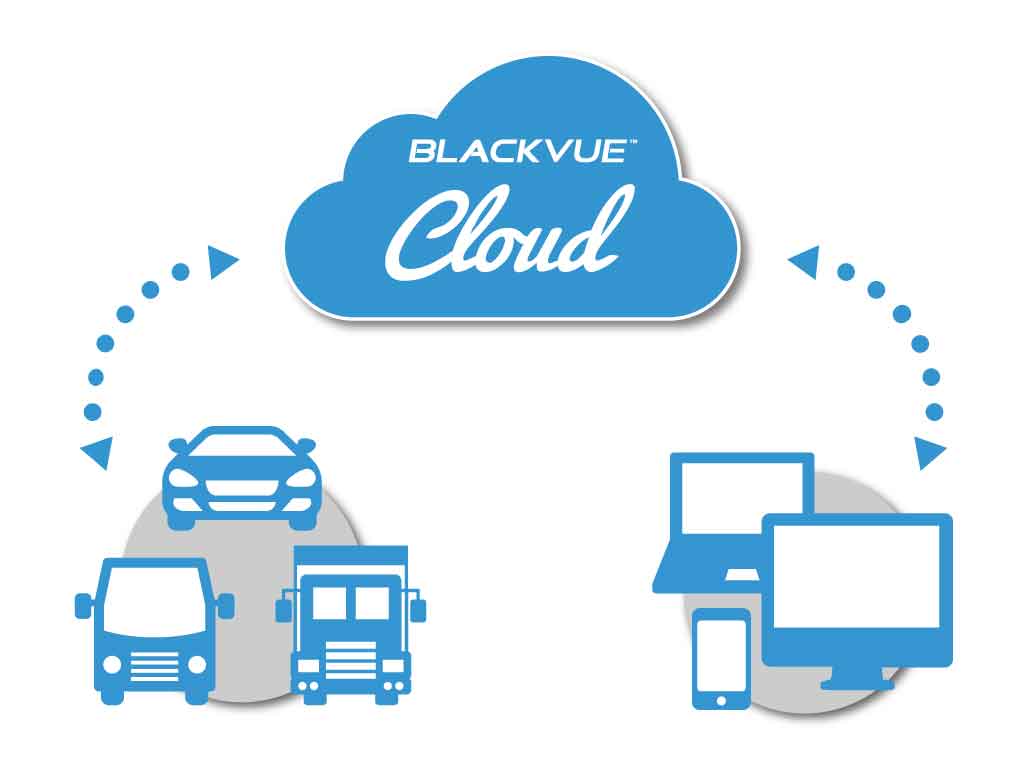
Free Cloud Service - Me and My Car Connected
BlackVue Cloud diagram
Column align: middle
  • Enjoy remote Live View and Event Push Notifications to your phone.
  • Back up important videos to the Cloud remotely.
  • GPS Tracking 
  • Play and download videos from your dashcam’s memory or the Cloud from anywhere.​​
  • Enjoy Two-way Voice Communication with the driver from the app through the BlackVue’s integrated speaker and mic.

Get instant Event Push Notification to your phone upon an impact detection when you are away. Watch video >
More about Free Cloud Service
Push Notifications with Remote Live View

LTE Connectivity Module (optional)

LTE connectivity module
Column align: middle
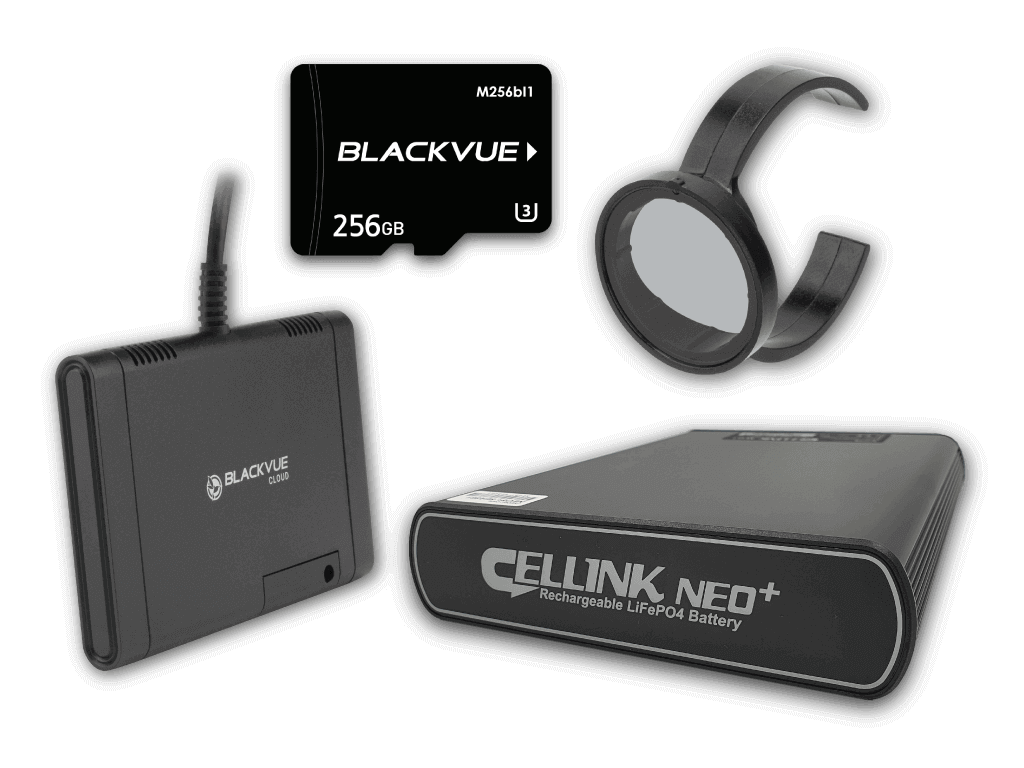
The CM100LTE provides easy 4G LTE connectivity to enable BlackVue Cloud features. All you need is a valid Nano SIM card. The CM100LTE is powered and connects via the USB port of your dashcam.
When connected to the CM100LTE, BlackVue DR770X Series can serve as a mobile hotspot providing wireless Internet access to up to five devices (smartphone, tablet, etc.). 
Note:
DR770X series is also compatible with Car WiFi Kit or other external WiFi Hotspot for cloud connectivity. 

Optimised Files Management

BlackVue microSD card
Column align: middle
​IMPROVED SECURITY AND RELIABILITY
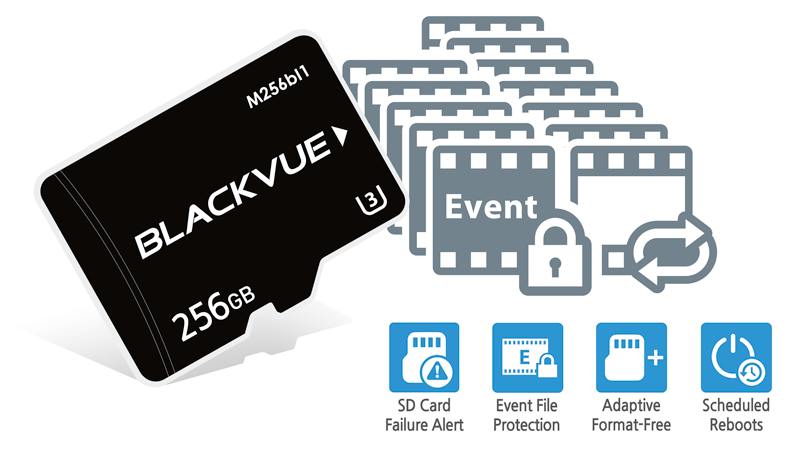
  •  Event Files Overwrite Protection: Dashcams record in a loop, overwriting older files when the memory is full. DR770X Series with optional setting to preserve the last 50 Event videos at all times so you always have time to retrieve important footage without it getting overwritten.
  • Adaptive Format-Free File Management: This BlackVue-developed file system improves recording stability and requires less microSD card formatting.
  • SD Card Failure Alert: your BlackVue detects as soon as the microSD card fails and warns you with a “Please check SD card” voice alert.
  • ​High Capacity Memory Storage up to 256GB
  • Scheduled Reboots (see Parking Mode section below)​

Built-in Speaker, Impact Sensor and Motion Detection

BlackVue DR770X built-in impact and motion detections
Column align: middle
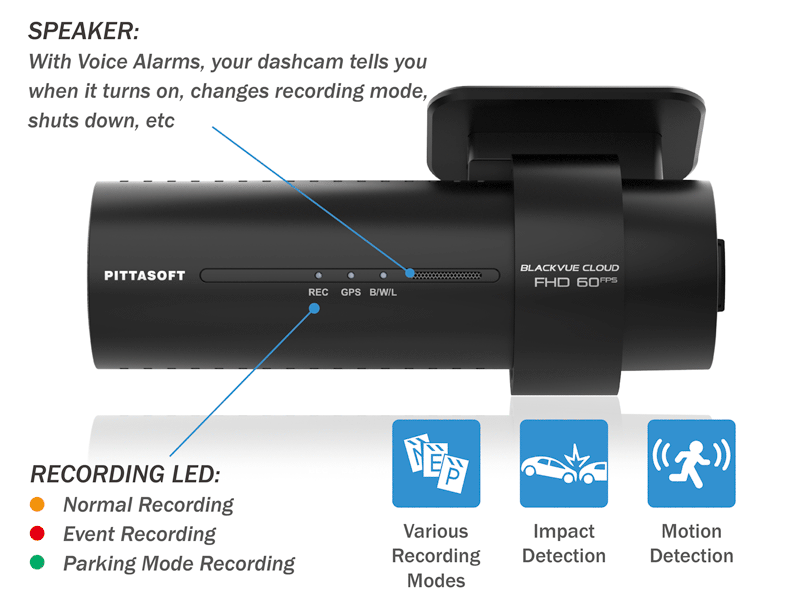
Automatically tags important files
While driving, your BlackVue detects impacts and sudden changes in speed. While parked, it also detects movements*.
Use the filters in the BlackVue App and Viewer
All videos are tagged (Normal, Event, Parking Mode motion or time lapse), so that you can easily find the relevant ones in the BlackVue Viewer for Windows and Mac OS or the BlackVue App for Android and iOS.
* For Parking Mode, the dashcam needs to be hardwired with power from your car battery or an optional Cellink Battery pack. 

Sleek Interface

Sleek interface
Column align: middle
EASIER OPERATION

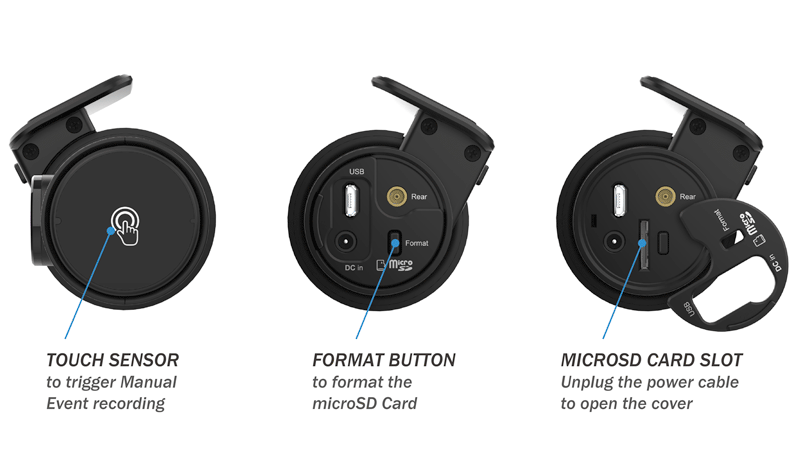
Touch sensor

Tap the touch sensor to trigger Manual Event videos
Format button
Hold to format the microSD card.
Secure microSD card access
Unplug the DC in power connector and pop the cover open to reveal the microSD card slot.

Intuitive BlackVue App and Viewer

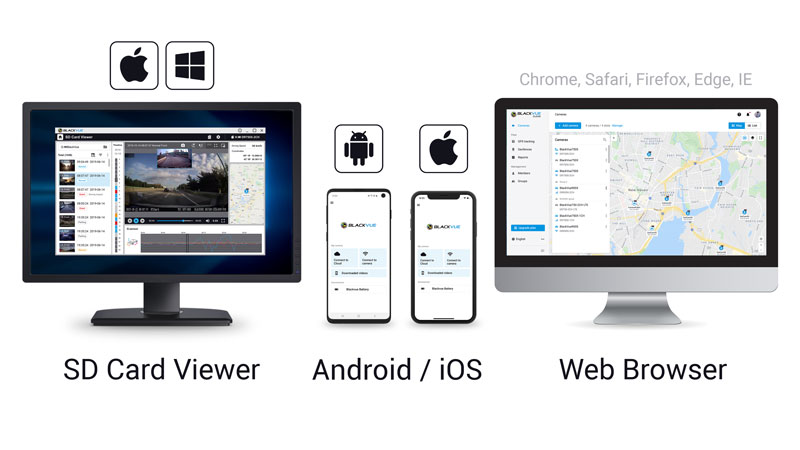
BlackVue App and Viewer
Column align: middle
EASILY MANAGE YOUR VIDEO FILES
Easily change your BlackVue configuration settings and browse your videos on your mobile or computer.
• With the BlackVue App, connect to your BlackVue to access files and check real-time Live View for easy setup of your dashcam.
• With the SD Card Viewer, connect your dashcam’s microSD card to your computer to view and backup footage in bulk, as well as export clips, remove sound, etc.
​• The Web Viewer lets you manage your Cloud-connected dashcams from any web browser at blackvuecloud.com.

Reliable Waterproof Coaxial Cable

Waterproof coaxial cable
Column align: middle
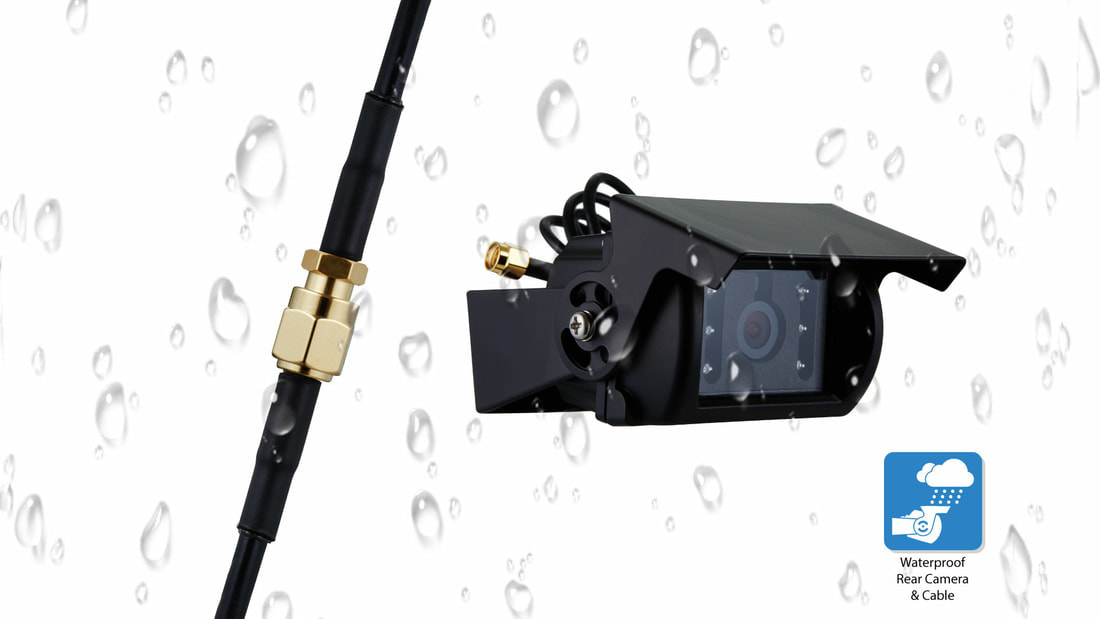
WATERPROOF FOR BOTH REAR CAMERA AND COAXIAL CABLE
​
  • ​The 15m (and optional 20m) high-quality waterproof coaxial cable connects the front and rear cameras.
  • The waterproof rear camera and the coaxial cable are screwed together to provide tight and water-resistant connection.
  • ​Its length makes it ideal for trucks and trailers and guarantees a pristine image even over long distance.

High Temperature Cut-off

High Temperature cut-off
Column align: middle
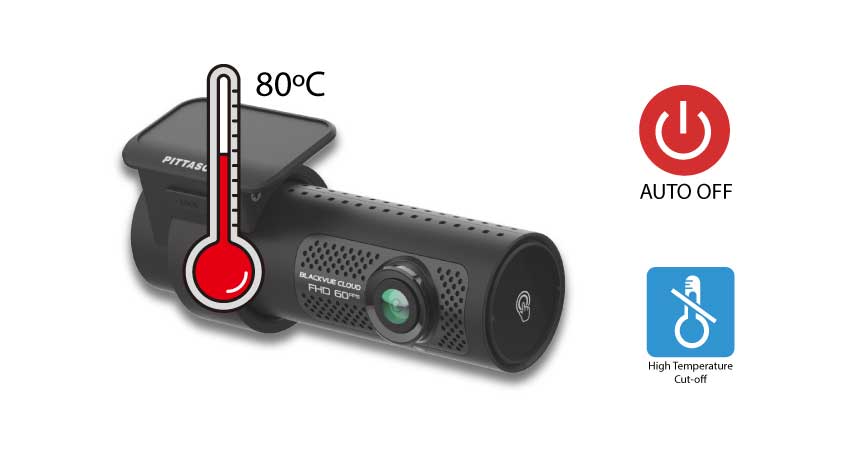
​HIGHER HEAT ENDURANCE​
  • ​Endures higher operation temperature than earlier models
  • Automatically cuts off the operation when temperature reaches 80 degree Celsius. Automatically restart when temperature cools down to 55 degree Celsius. ​
  • Protects the product from the harm of over temperature.
​
Anchor Element
Copy for linking on the same page:
https://www.blackvue.com.sg/dr750s-2ch?data-scroll-to-anchor=ParkingMode
Copy for linking from an external page:
https://www.blackvue.com.sg/dr750s-2ch?data-anchor-link=ParkingMode

Native Parking Mode

BlackVue DR770X Native Parking Mode
Column align: middle
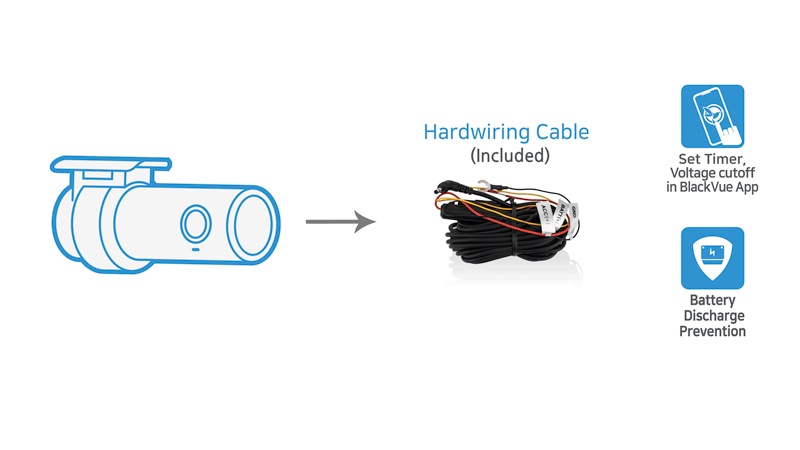
Hardwiring cable included
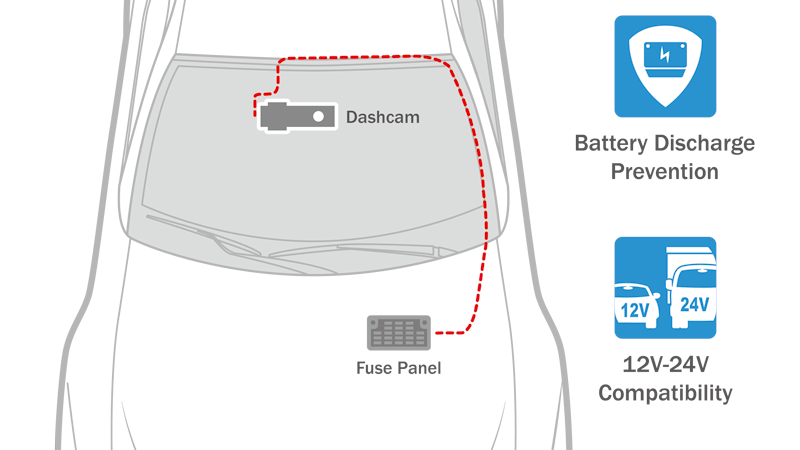
DR770X Series can be hardwired to your vehicle’s battery (fuse panel) for Parking Mode, without requiring optional accessories. The dashcam will switch to Parking Mode automatically when vehicle ignition is turned off. Voltage cutoff and timer can be set in the BlackVue App.

Disclaimer: Vehicle battery life and performance maybe affected which lead to premature failure especially with frequent short driving. Not compatible with some continental vehicles which may triggers dashboard error. Not recommended for most new vehicles under warranty due to agent restrictions. 

Parking Mode accessories support
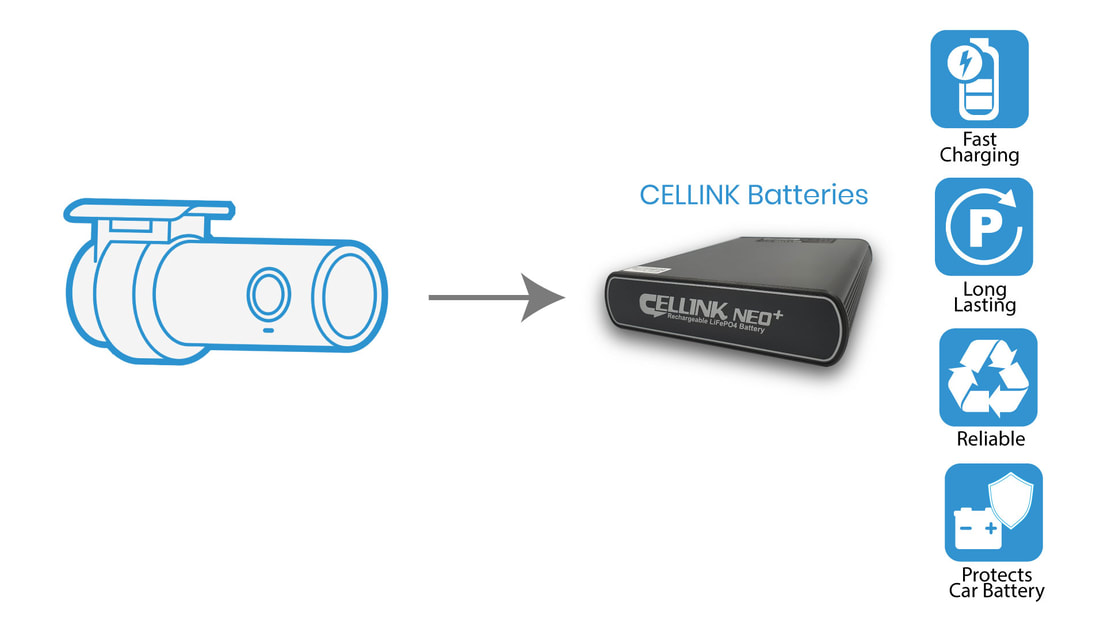
DR770X Series is also compatible with Cellink Batteries.​
Shape Divider - Style triangle_asymmetrical

Intelligent Parking Mode Monitoring

Peace of mind with extra security when you are away from your car
​

​With included hardwiring kit or optional Cellink batteries, you can rest easy, knowing that your car is being monitored while you are away.
BlackVue automatically switches to Parking Mode to monitor your parked vehicle. ​ 
​
Thanks to video buffer, the few seconds leading to triggering events are also recorded.​
​
DR770X series supports two Parking Mode options:
Parking Mode KITS
BlackVue DR770X truck hardwiring cable for parking mode supported
Parking Mode BATTERIES
BlackVue Truck with Cellink Battery for parking mode
​Note: In Time Lapse mode, only the impact Event videos include buffering. In Motion & Impact Detection mode, both motion and impact videos include buffering.
Learn more about Time Lapse and Motion & Impact Detection
here >.
​
Picture
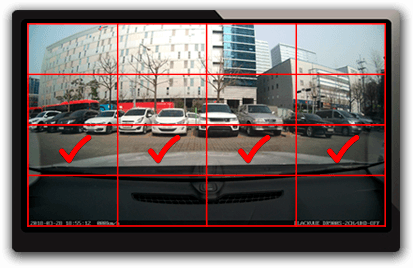
Region-based motion detection
Motion & Impact Detection Parking Mode detects both:
  • ​​Motions recorded by the image sensor (marked “P” in the file list).
  • Impacts detected by the accelerometer/G-sensor (marked “E” in the file list).
Choose detection regions to reduce the risk of triggering unwanted motion recordings due to trees swaying in the wind, far-away moving objects, etc.
Picture
Time Lapse and Buffered Events
Continuously records at 1FPS (one frame per second). Videos are played back at 30FPS. 
1-minute Time lapse Parking Mode video = 30 minutes real time coverage.
Cover a period of more than 27 hours on a 16GB microSD card front and rear at the highest (Extreme) quality setting.
When an impact is detected, the dashcam creates a buffered Event video.
Anchor Element
Copy for linking on the same page:
https://www.blackvue.com.sg/dr900s-2ch2?data-scroll-to-anchor=schedulereboot
Copy for linking from an external page:
https://www.blackvue.com.sg/dr900s-2ch2?data-anchor-link=schedulereboot

​And also:

​
Parking Mode Event Voice Notifications:
​Upon exiting Parking Mode, your BlackVue tells you if Events were recorded when you were away from your car, so you can check right away the Event videos on the BlackVue App. 
​Push Notification:
​If your dashcam is connected to the Cloud Service, you will receive instant push notification to your smartphone if there's an impact detected when you're away from your car. ​
Super stealthy:
Completely turn off all LED indicators in Parking Mode. Only the recording LED indicator facing the interior of the vehicle will blink when motion or impact is detected.
Scheduled Reboot:
​Schedule a daily automatic reboot (optional—by default at night) to minimize potential errors. Reboots happen only if the dashcam is in Parking Mode and not writing data to the microSD card. This means no Normal driving, Event, or Parking Mode recording can be interrupted by a scheduled reboot.
More about Parking Mode

Are you looking for other dashcams?

Dashcams Overview
Compare specs

Experience your dashcam to the next level with the dedicated accessories.

Accessories Overview
Explore the BlackVue dashcam lineup and enjoy wireless freedom with full control through intuitive BlackVue App for all models. BlackVue offers a range of dashcams with 1, 2, or 3 cameras (1-CH, 2-CH, 3-CH) in 4K UHD, 2K QHD and Full HD to suit various needs. Choose from different connectivity options:
​LTE (4G) - Cloud-Native: Comes with built-in LTE and a SIM card reader for remote Cloud connectivity out of the box.
Cloud-Compatible: Connect to the Cloud using an LTE Connectivity Module or a third-party hotspot, or use it as a premium WiFi dashcam with high-performance features.
Simple WiFi: Pair your dashcam with your smartphone within WiFi range.
Also available, Special-purpose system which comes with auxiliary camera with infra-red lightings, driver monitoring or waterproofing (for trucks).
Take your BlackVue dashcam to the next level with our must-have accessories, featuring a reliable power solution for extended parking mode. Upgrade your dashcam with superior connectivity and a tamperproof case for added security. Also available: memory cards, cables, and additional accessories to give you unmatched reliability on the road.
ME AND MY CAR. CONNECTED.

BlackVue Cloud is the industry-leading cloud service established since 2015. Push Notifications, real-time video and GPS-tracking, Event Files Upload (Cloud backup), the possibilities are endless. BlackVue Cloud is all about using your dashcam to its full potential, so that you and your car are always connected.
​Discover the features, plans and compatible cameras.
Cloud service for individuals
• For individuals or small fleet
​
To connect up to 15 dashcams
BlackVue Fleet Tracking for businesses
• For large fleet
​
To connect up to 999 dashcams
BlackVue 18-month warranty
Enjoy the best of BlackVue with after-sales service and warranty coverage. 

RETAILERS

Buy from our authorised dealers with installation option.
​

ONLINE SHOP

Buy from our official online store without installation.
Picture

Enjoy the best deals and discounts >

BlackVue Help Center

VISIT HELP CENTER

FREQUENTLY ASKED QUESTIONS

DOWNLOADS

PRODUCT REGISTRATION

CONTACT US

SEARCH

BlackVue Service Centre
8, Boon Lay Way, 
#04-02,
Singapore 609964

Weekdays | 9am to 6pm (lunch break 12:30pm to 1:30pm)
Saturdays | 9am to 1pm

​Hotline: 61009691
Technical: [email protected]
Sales/ General: [email protected]
BlackVue News Blog

ALL NEWS

PRODUCTS & CORPORATE NEWS

FIRMWARE NEWS

BlackVue Review and Win

REVIEW AND WIN

PARKING MODE

DASHCAMS COMPARISON TABLE

RECORDING TIME TABLE

PHOTO GALLERY

Home


​Dashcams

​​OVERVIEW
​
​​COMPARE SPEC
​

ELITE 8
DR970X BOX PLUS
DR970X-2CH LTE PLUS II
DR770X-2CH LTE
​DR770X II
​
DR770X-2CH TRUCK
DR770X BOX

DR590X PLUS

Accessories

​​​OVERVIEW

​Cellink NEO Batteries

Cloud Service

For Individuals
For Businesses
​

Support

Frequently Asked Questions (FAQ)
Download
​
Product Registration
Search


​Useful Links

Parking Mode
Dashcam Comparison Table
Recording Time Table
​Photo Gallery

Where to Buy?

Promotions
Authorized Dealers

​Online Store
​

Company

Blog
Contact Us

About Us

Address:
8, Boon Lay Way,
#04-02, Tradehub21
Singapore 609964

​Direction >

Follow Us

Social Media:

​Join our BlackVue SG E-Newsletter


​
​Need Help?

• Visit our Help Page
• Write to us here.
​• Call our Hotline at 61009691
Products
Where to buy?
Promotions

Authorised Dealers
Online Store
DASHCAMS
​
​​OVERVIEW
​
​​COMPARE SPEC
​

ELITE 8
DR970X BOX PLUS
DR970X-2CH LTE PLUS II
DR770X-2CH LTE
​DR770X II
​
DR770X-2CH TRUCK
DR770X BOX

DR590X PLUS
ACCESSORIES
​​​OVERVIEW

Cellink NEO Batteries

​OTHERS
App & Viewer
BlackVue Cloud
​Support
Frequently Asked Questions (FAQ)
​Download
Product Registration
Contact Us

​Useful links:
Parking Mode
Dashcam Comparison Tables
​Recording Time Table
​Photo Gallery


Need help with BlackVue product?
- Visit our Help page
- Write to us at [email protected]
​- Call our hotline at 61009691
Company
News / Blog
About Us
Contact Us


​BlackVue (Singapore),
8, Boon Lay Way,
#04-02, Tradehub 21,
​Singapore 609964
Direction >

BlackVue SG E-Newsletter
WOW! GADGETS PTE LTD © COPYRIGHT 2024. All Rights Reserved. Terms of Use.