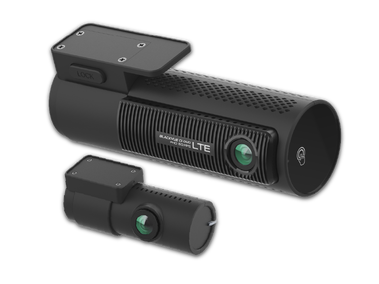
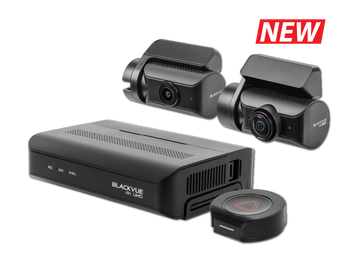
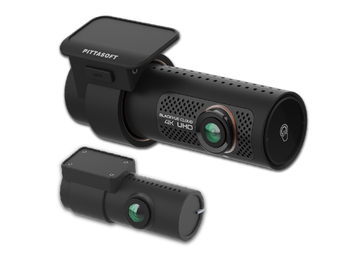
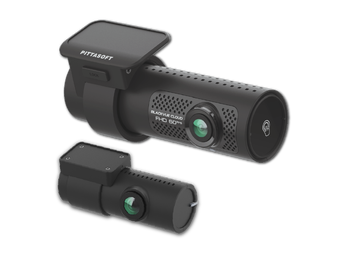
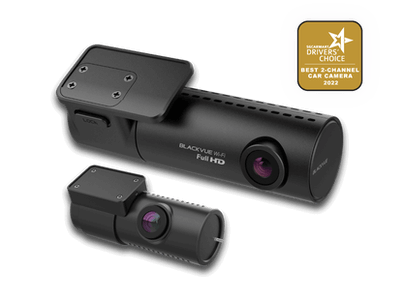
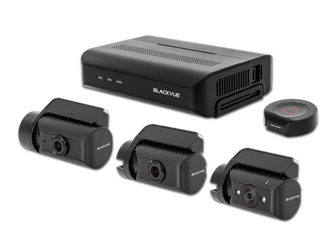
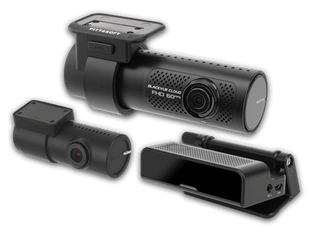
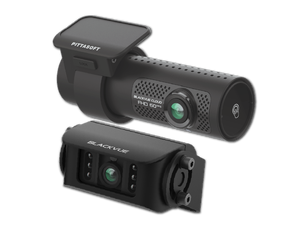
Save up to $248 now!
(65) ​61009691
Wow! Gadgets Pte Ltd
9am to 6pm Weekdays | 9am to 1pm Saturdays
Promotions
BLACKVUE SINGAPORE
  • Dashcams
  • Accessories
  • Cloud
  • Shop
    • authorized-dealers
    • Online Store
  • Promotions
  • Support
    • FAQ
    • Visit Help Center
    • Download
    • Product Registration
    • Contact Us
    • Search
  • BLOG
  • More
    • Review and Win
    • Parking Mode
    • Recording Time Table
    • Dashcam Comparison Table
    • Photo gallery
  • Dashcams
  • Accessories
  • Cloud
  • Shop
    • authorized-dealers
    • Online Store
  • Promotions
  • Support
    • FAQ
    • Visit Help Center
    • Download
    • Product Registration
    • Contact Us
    • Search
  • BLOG
  • More
    • Review and Win
    • Parking Mode
    • Recording Time Table
    • Dashcam Comparison Table
    • Photo gallery
BLOG Home
Categories: Caught on BlackVue | Cellink Battery | Dashcam (Cloud) | Dashcam (WiFi) | Dashcam (Simple) | 
​
Featured | Firmware/ Software Update | Fleet Tracking | Over the Cloud | Review | Road safety tips |Tutorial |TV News |Video 
6/9/2020

0 Comments

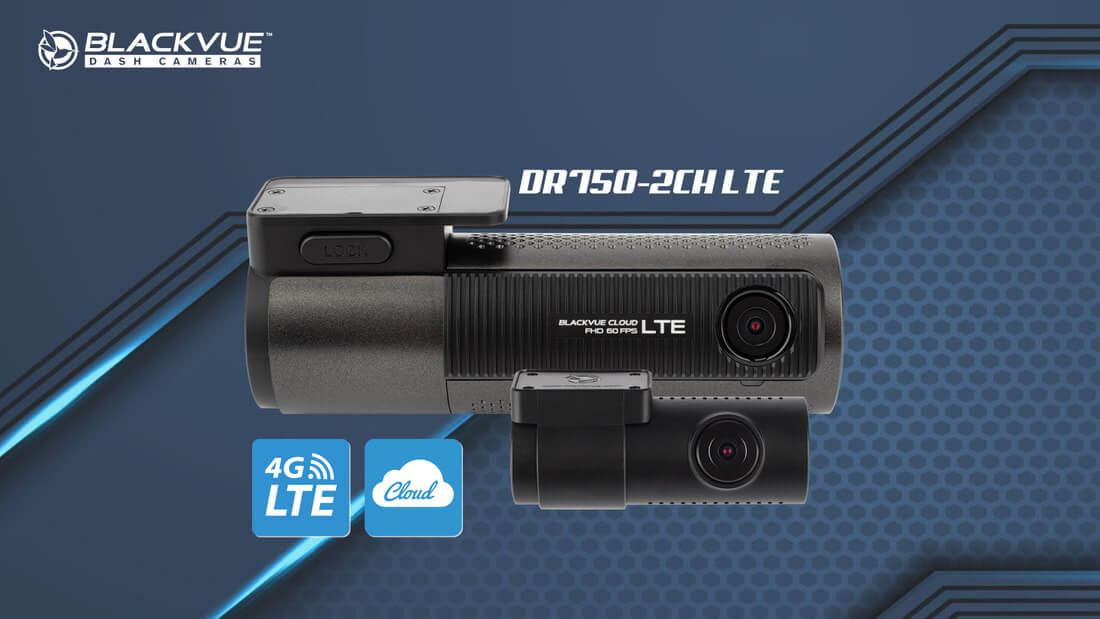
What to expect from the DR750-2CH LTE?

 
Picture
The upcoming DR750-2CH LTE is the first BlackVue dashcam with built-in cellular connectivity (4G LTE) and will be available in Singapore from the week of 14 September 2020. For those who pre-order now are able to receive a free gift worth $65, details for this promotion is available here. 
Connected by Design
The industry leading BlackVue Cloud service has been evolved with many improvements over the years since established in 2015 with more customers adapting to our solution by setting up our current cloud dashcams (DR900S or DR750S series) and powering a WiFi Kit (mobile router) as hotspot in the same vehicle. 
Picture
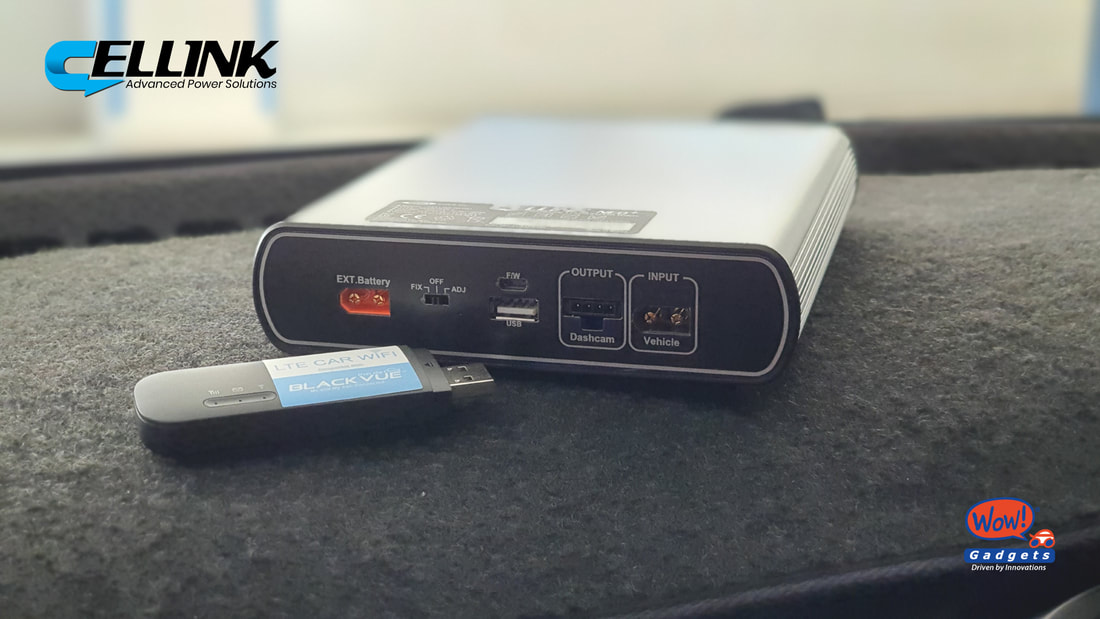
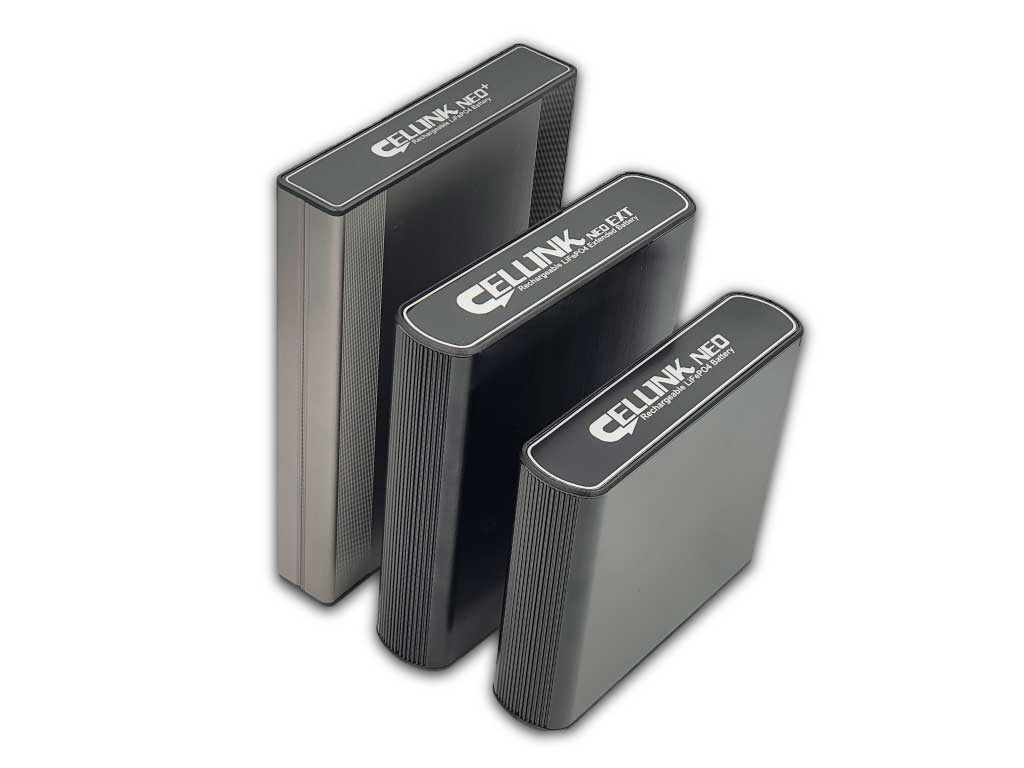
Photo: The new Cellink NEO 8+ battery pack comes with USB power outlet where mobile router could be powered easily even when the engine is switched off.  With DR750-2CH LTE, you don't need to power a separate mobile router anymore. 
​
With DR750-2CH LTE, cloud setup will be much simpler with the built-in 4G LTE, you just need to insert the Nano-4G SIM card to the dashcam directly and you are ready to connect to your car anytime anywhere. 
Connectivity aside, in terms of image quality and features, the DR750-2CH LTE is most similar to the DR750S-2CH. It uses two Sony STARVIS sensors (front and rear) for great clarity night and day, Full HD 1080p recording at 60 frames per second on the front camera and 30 on the rear camera.
It includes all the DR750S Series features, such as SD card failure alert, sub-stream technology (for fast video playback over Wi-Fi or the Cloud), and great Parking Mode options (Time Lapse + Impact Events or Motion detection + Impact Events).
Let’s be clear from the get go: if you are not planning on using Cloud features such as Remote Live View and Impact Push Notifications, BlackVue has other models for you such as the DR750S-2CH mentioned above. If you are looking for the best Cloud-connected model, however, you are in for a treat.

Here are the highlights: 

1) Built-in 4G LTE (no need external wifi hotspot)
Picture
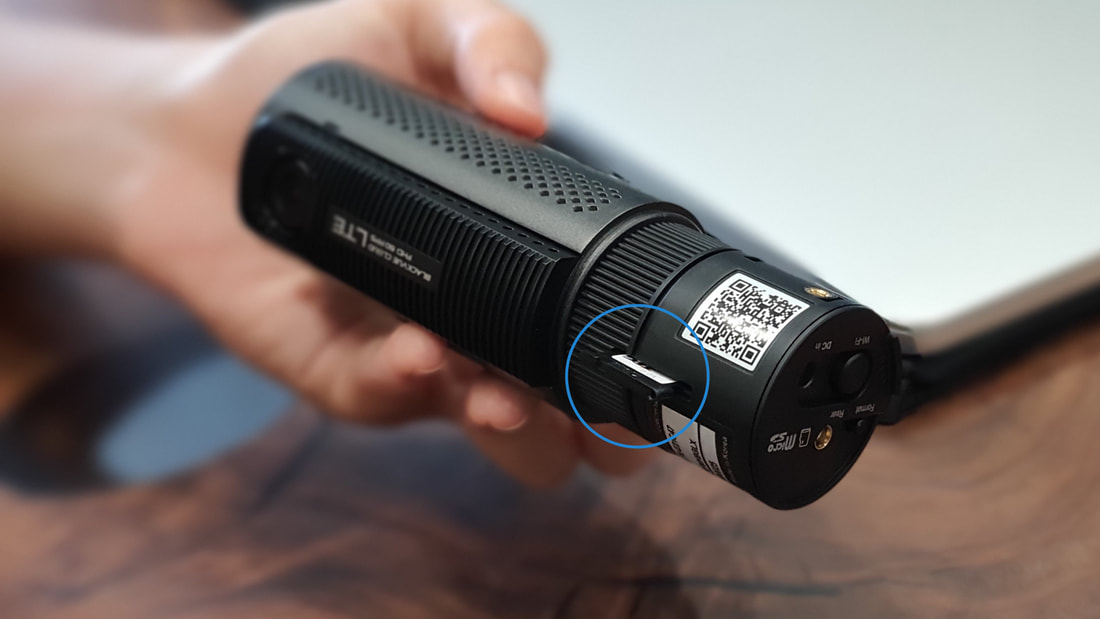
Photo: Nano SIM card tray ejected from DR750-2CH LTE
​
In order to connect to BlackVue Cloud with the built-in 4G LTE, you must:
  • Create a BlackVue Cloud account: you can do it for free in the BlackVue App. 
  • Get a Nano-SIM card with a data plan.
  • Insert the SIM in the dashcam’s SIM card tray.
  • Activate the SIM via the BlackVue app.​ (Details is available in the SIM Activation manual in the packaging.) You just need to key-in the APN name from any of the following telcos to the SIM activation section inside the BlackVue App.:
Telco / Brand
APN
CIRCLE
sunsurf
CM LINK
cmhk
GIGA!
giga
GOMO
hicard
GRID MOBILE
hicard
M1
sunsurf
MY REPUBLIC
myrepublic
REDONE
redone
SINGTEL
e-ideas
STARHUB
shwap
TPG
tpg
VIVIFI
e-ideas
ZERO1
e-ideas
2) The dashcam acts as an hotspot
With DR750-2CH LTE, no more loss of connectivity for your phone when you connect to the dashcam. When connected to the dashcam in Wi-Fi, DR750-2CH LTE keeps your phone internet connection on. That means you will still be able to use the apps you have on your phone (Facebook, Messenger, Spotify, Waze, etc.). In other words, while connected over Wi-Fi to the dashcam, you will use the dashcam’s data plan for both the dashcam and your phone.
If you’d rather not use up your dashcam’s data plan, make sure to disconnect from the dashcam. By default, the WiFi will be automatically switched off after 5 minutes of power on or the WiFi is switched on manually. There's an option to switch on the WiFi permanently for the dashcam by changing the settings in the BlackVue app. 
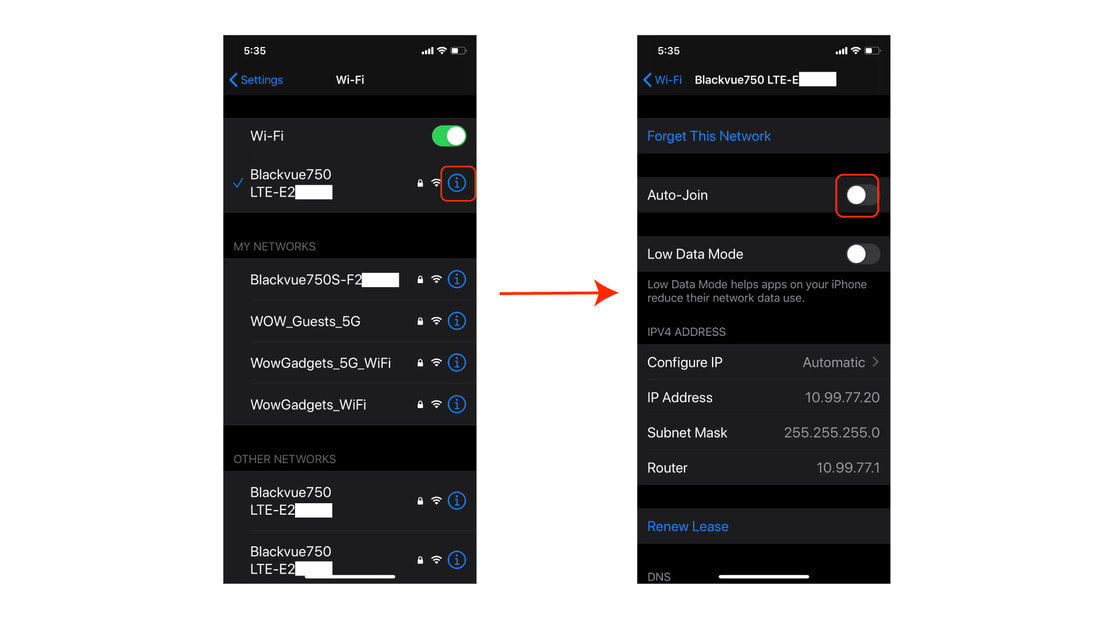
What if you forget to disconnect from the dashcam and your phone connects to it automatically whenever you are in range of its Wi-Fi signal? The easiest way to avoid this is to deactivate the Auto-join feature in your iOS/Android phone’s Wi-Fi settings menu.
​
Picture
​
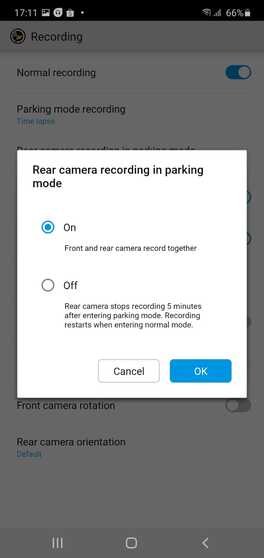
​3) Option to automatically switch off rear camera in parking mode

This feature is available in our earlier 4K UHD cloud dashcam, DR900S-2CH and now for DR750-2CH LTE too. This is a welcome feature if you normally reverse-in to park and with the rear facing the wall for example. With only front camera monitoring in parking mode, this will reduce the power consumption and memory usage by about 30% which is an important consideration for Parking Mode. Reducing power consumption means you could enjoy longer power duration before the Cellink Battery is depleted or car battery power had reached the threshold of cut-off voltage when Power Magic Pro hardwiring kit is used.
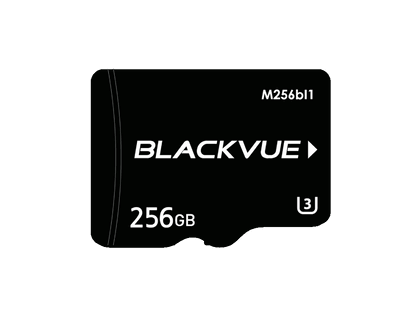
​Similar to all our current dashcam models, DR750-2CH LTE supports memory capacity of up to 256GB microSD card. If you are using the default 32GB capacity microSD and intend to use the parking mode feature, we recommend to upgrade the memory card to at least 64GB or higher. The 30% memory space reduction with rear camera switch off in parking mode will help to prolong the duration of recording before the video files start to be overwritten. For details recording hours, please refer to this table. 

Picture
Default setting is ON (with both front and rear camera record together), you can switch it to OFF (only front camera records) using BlackVue App. 

4) Brighter Security LED
Security LED will be very much brighter on DR750-2CH LTE, this will help to deter vandals or mischiefs. Moreover, the algorithm for the blinking LED had changed for DR750-2CH LTE. The security LED is always blinking when there's no motion or impact detected in parking mode and will switch to on (not blinking) otherwise. ​Option to switch OFF the Security LED is available for those who prefers to stay stealthy. 
Picture
5) Buttons and operation LEDs
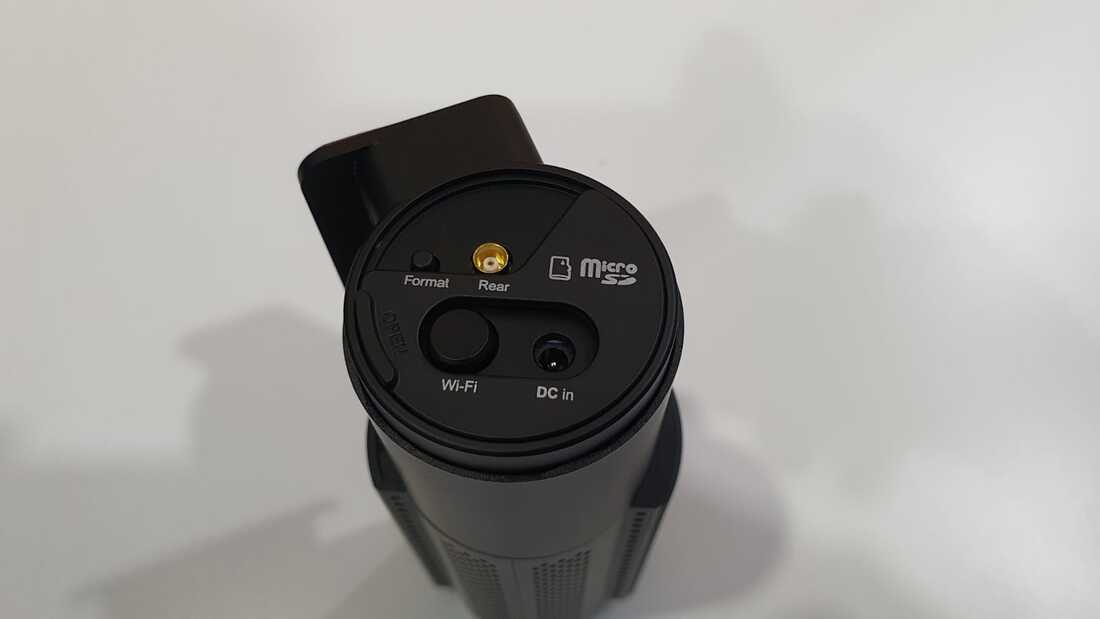
You could find two buttons on DR750-2CH LTE comparing with usual one for other dashcam models. It has separate buttons to perform Format and WiFi On/Off. 
Picture
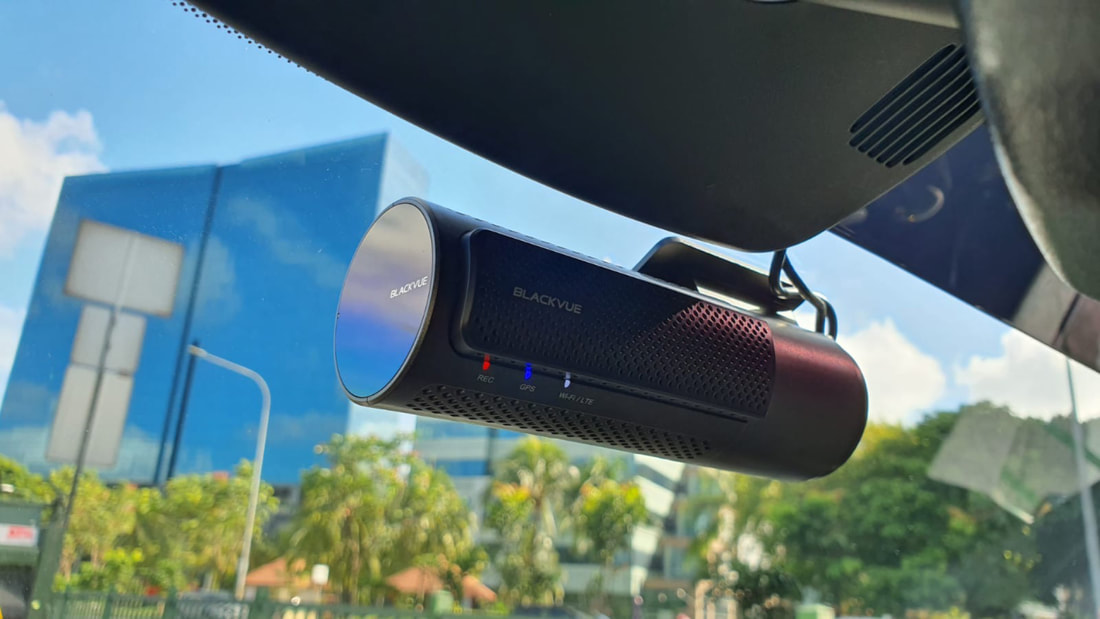
LEDs for Record (REC), GPS and WiFi/ LTE are inline facing the driver for easy operation. Voice recording On/Off can be performed by waving your hand near to the sensor on the side of the dashcam. 
Picture
6) Time Lapse for Parking Mode
Time Lapse (with Buffered Event) is switched on by default for Parking Mode in DR750-2CH LTE. Camera is recording in 1 frame per second (FPS) all the time after switched to Parking Mode, it will switch back to 30FPS when any impact is detected above threshold of the G-sensors sensitivity and 5 seconds of buffered video will be saved to the memory card. Option to switch it to "Motion and Impact Detection" is available. 

7) Sleek and Elegant Design
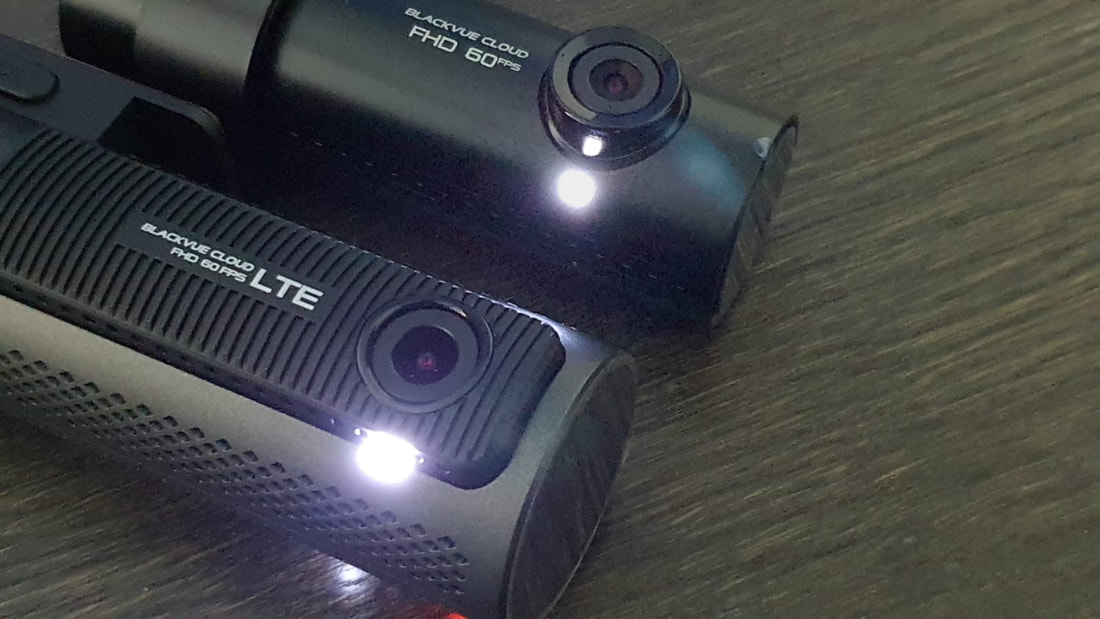
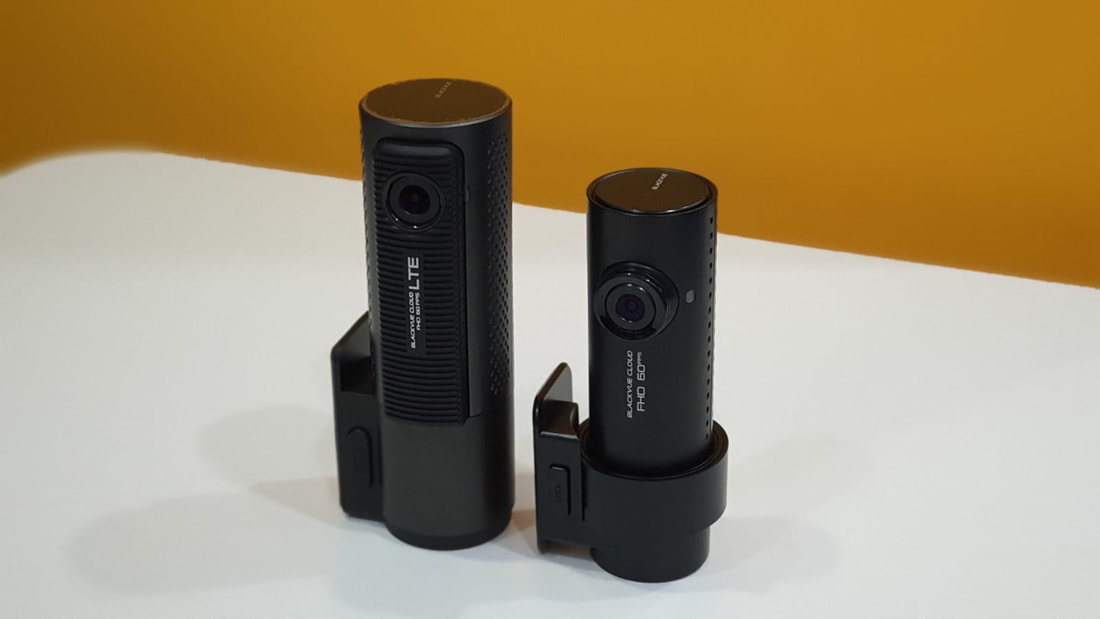
Even though the dimension for DR750-2CH LTE is bigger than DR750-2CH, the sleek and elegant design with cylindrical form factor retained. This is to accommodate the additional 4G LTE embedded chip and the antenna. More ventilation holes are added to DR750S-2CH LTE as to improve the heat endurance. ​
Picture
Check out the side by side comparison for these two models:
To compare with other models, check out this link. 
​
8) Good news for existing BlackVue users
For current DR650S-2CH, DR750S-2CH or DR900S-2CH users, power cable and coaxial video cable for the rear camera are the same. This means no rewiring work needed if you intend to change to DR750-2CH LTE. 
​
​If you are interested of getting DR750-2CH LTE, please pre-order from our authorised dealer or online store as the stock is limited for now. 
0 Comments

Your comment will be posted after it is approved.


Leave a Reply.

Explore the BlackVue dashcam lineup and enjoy wireless freedom with full control through intuitive BlackVue App for all models. BlackVue offers a range of dashcams with 1, 2, or 3 cameras (1-CH, 2-CH, 3-CH) in 4K UHD, 2K QHD and Full HD to suit various needs. Choose from different connectivity options:
​LTE (4G) - Cloud-Native: Comes with built-in LTE and a SIM card reader for remote Cloud connectivity out of the box.
Cloud-Compatible: Connect to the Cloud using an LTE Connectivity Module or a third-party hotspot, or use it as a premium WiFi dashcam with high-performance features.
Simple WiFi: Pair your dashcam with your smartphone within WiFi range.
Also available, Special-purpose system which comes with auxiliary camera with infra-red lightings, driver monitoring or waterproofing (for trucks).
Take your BlackVue dashcam to the next level with our must-have accessories, featuring a reliable power solution for extended parking mode. Upgrade your dashcam with superior connectivity and a tamperproof case for added security. Also available: memory cards, cables, and additional accessories to give you unmatched reliability on the road.
ME AND MY CAR. CONNECTED.

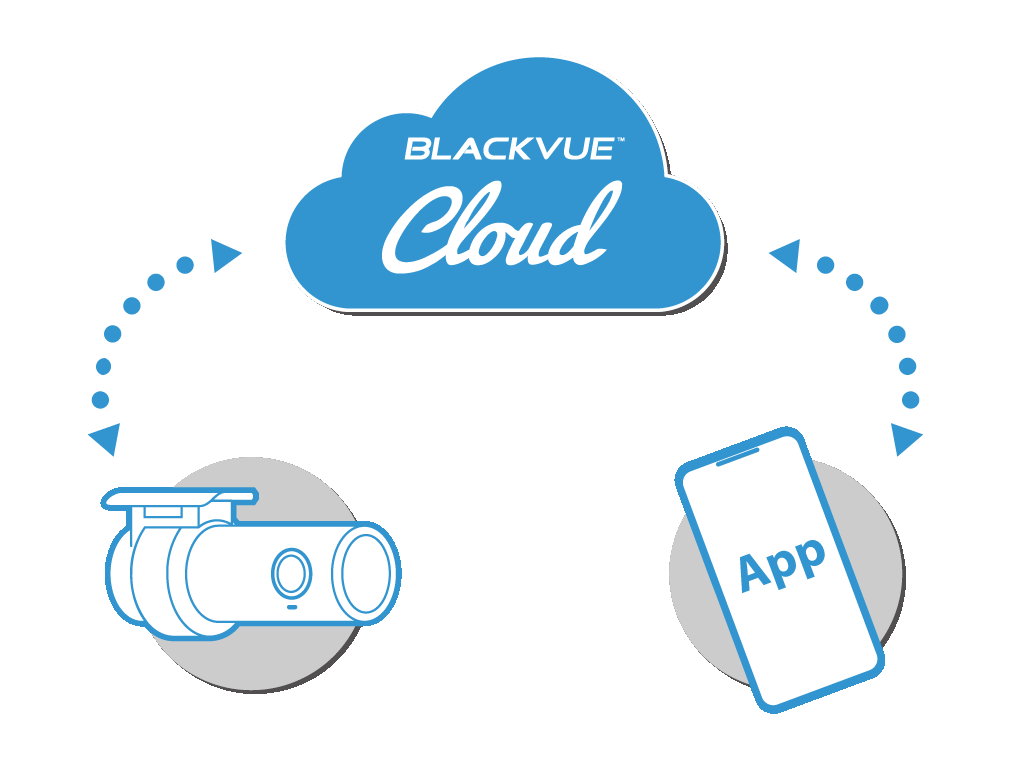
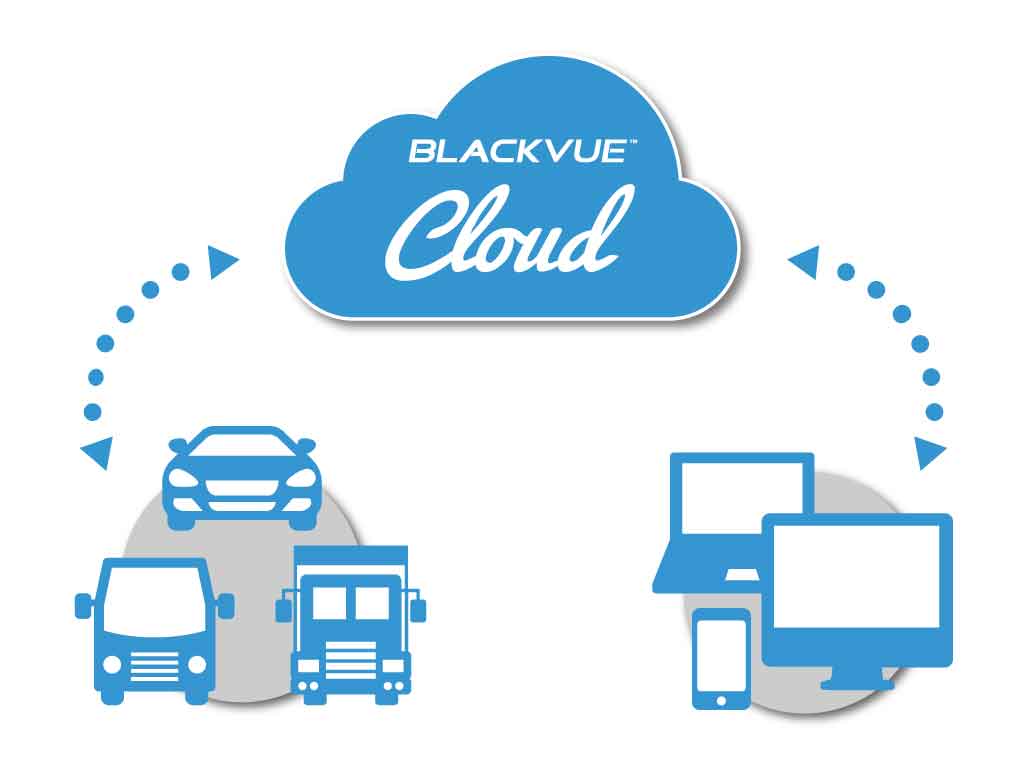
BlackVue Cloud is the industry-leading cloud service established since 2015. Push Notifications, real-time video and GPS-tracking, Event Files Upload (Cloud backup), the possibilities are endless. BlackVue Cloud is all about using your dashcam to its full potential, so that you and your car are always connected.
​Discover the features, plans and compatible cameras.
Cloud service for individuals
• For individuals or small fleet
​
To connect up to 15 dashcams
BlackVue Fleet Tracking for businesses
• For large fleet
​
To connect up to 999 dashcams
BlackVue 18-month warranty
Enjoy the best of BlackVue with after-sales service and warranty coverage. 

RETAILERS

Buy from our authorised dealers with installation option.
​

ONLINE SHOP

Buy from our official online store without installation.
Picture

Enjoy the best deals and discounts >

BlackVue Help Center

VISIT HELP CENTER

FREQUENTLY ASKED QUESTIONS

DOWNLOADS

PRODUCT REGISTRATION

CONTACT US

SEARCH

BlackVue Service Centre
8, Boon Lay Way, 
#04-02,
Singapore 609964

Weekdays | 9am to 6pm (lunch break 12:30pm to 1:30pm)
Saturdays | 9am to 1pm

​Hotline: 61009691
Technical: [email protected]
Sales/ General: [email protected]
BlackVue News Blog

ALL NEWS

PRODUCTS & CORPORATE NEWS

FIRMWARE NEWS

BlackVue Review and Win

REVIEW AND WIN

PARKING MODE

DASHCAMS COMPARISON TABLE

RECORDING TIME TABLE

PHOTO GALLERY

Home


​Dashcams

​​OVERVIEW
​
​​COMPARE SPEC
​

ELITE 8
DR970X BOX PLUS
DR970X-2CH LTE PLUS II
DR770X-2CH LTE
​DR770X II
​
DR770X-2CH TRUCK
DR770X BOX

DR590X PLUS

Accessories

​​​OVERVIEW

​Cellink NEO Batteries

Cloud Service

For Individuals
For Businesses
​

Support

Frequently Asked Questions (FAQ)
Download
​
Product Registration
Search


​Useful Links

Parking Mode
Dashcam Comparison Table
Recording Time Table
​Photo Gallery

Where to Buy?

Promotions
Authorized Dealers

​Online Store
​

Company

Blog
Contact Us

About Us

Address:
8, Boon Lay Way,
#04-02, Tradehub21
Singapore 609964

​Direction >

Follow Us

Social Media:

​Join our BlackVue SG E-Newsletter


​
​Need Help?

• Visit our Help Page
• Write to us here.
​• Call our Hotline at 61009691
Products
Where to buy?
Promotions

Authorised Dealers
Online Store
DASHCAMS
​
​​OVERVIEW
​
​​COMPARE SPEC
​

ELITE 8
DR970X BOX PLUS
DR970X-2CH LTE PLUS II
DR770X-2CH LTE
​DR770X II
​
DR770X-2CH TRUCK
DR770X BOX

DR590X PLUS
ACCESSORIES
​​​OVERVIEW

Cellink NEO Batteries

​OTHERS
App & Viewer
BlackVue Cloud
​Support
Frequently Asked Questions (FAQ)
​Download
Product Registration
Contact Us

​Useful links:
Parking Mode
Dashcam Comparison Tables
​Recording Time Table
​Photo Gallery


Need help with BlackVue product?
- Visit our Help page
- Write to us at [email protected]
​- Call our hotline at 61009691
Company
News / Blog
About Us
Contact Us


​BlackVue (Singapore),
8, Boon Lay Way,
#04-02, Tradehub 21,
​Singapore 609964
Direction >

BlackVue SG E-Newsletter
WOW! GADGETS PTE LTD © COPYRIGHT 2024. All Rights Reserved. Terms of Use.